
Android 16 QPR2 brings big Pixel updates
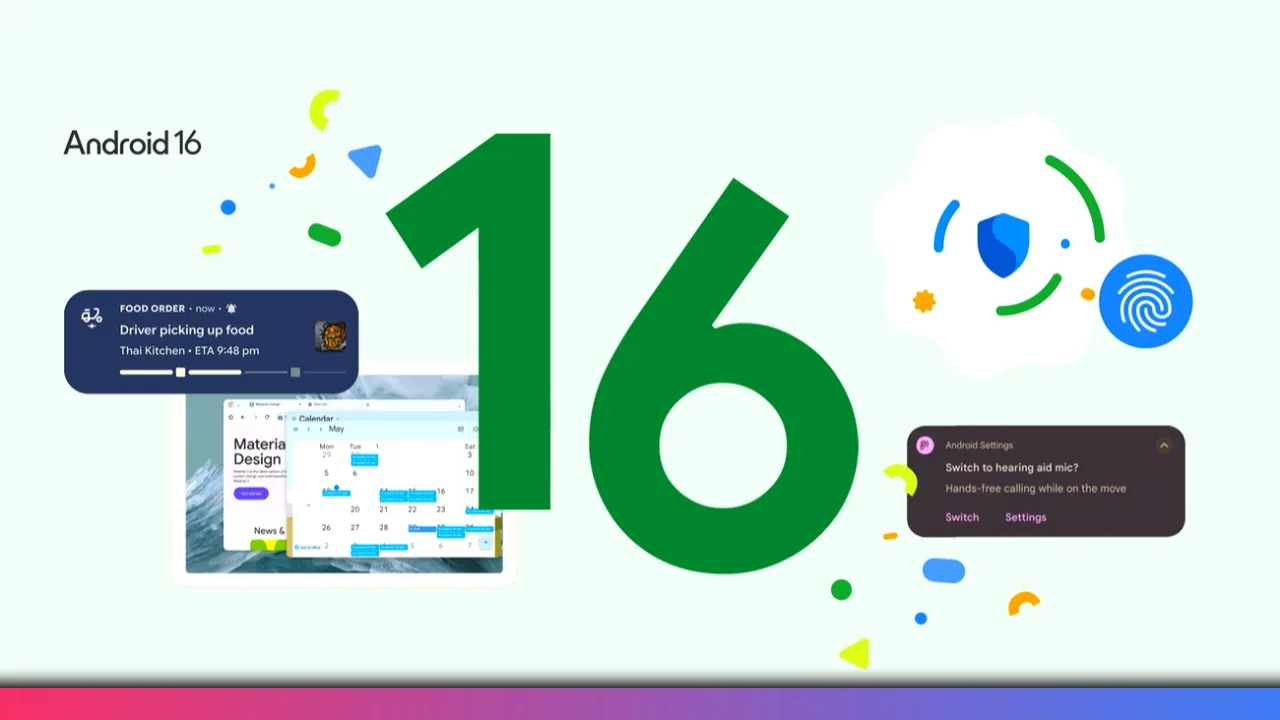
You can expect some exciting changes with Google’s December Pixel Drop. This is Android 16 QPR2, a major update after last month’s smaller release. It builds on recent theming and AI features. You will find several quality-of-life improvements worth checking out.
Dark theme finally gets smarter
You now have the option to force dark mode on apps that don’t support it natively. There’s a new option in Display settings that makes stubborn apps work better in dark environments. Finally, your favourite apps will now look less harsh at night. This update revives a feature fans have wanted for years.

Split screen goes flexible with 90/10 mode
You can now enjoy a true 90/10 split-screen layout. This lets you have one app take up almost the entire screen while another stays minimized but accessible. It is perfect for keeping a video or music player running in the background while you browse the web or play a game. You can still switch back and forth quickly, but this new ratio gives you more flexibility in how you multitask.

HDR brightness is now under your control
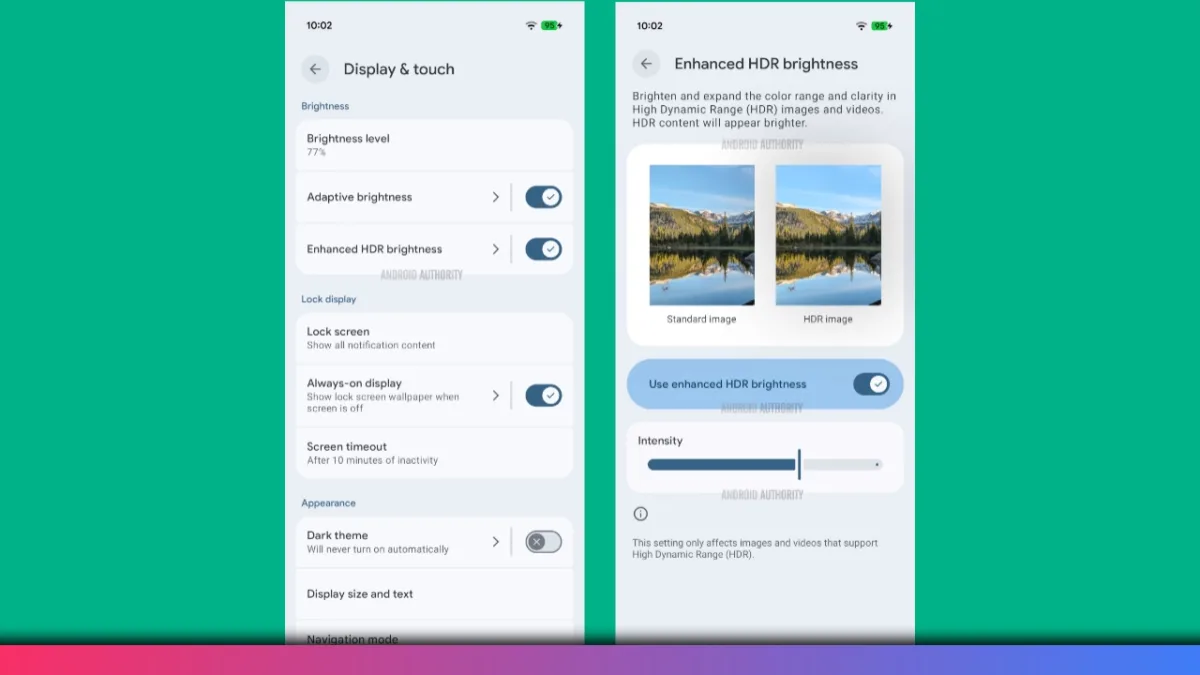
You don’t have to worry about HDR content blinding you anymore. A new “enhanced HDR brightness” toggle in display settings lets you adjust the intensity of HDR content. This is great for social media apps where bright HDR videos can sometimes be jarring. You can now tune it to a level that is comfortable for you.
Easier home screen app removal
Android 16 QPR2 Update finally lets you remove apps from your home screen without dragging them all the way to the top. A new “remove” option appears when you long-press an app icon. It is faster and much more convenient, especially on larger screens like foldables and tablets.
Redesigned the widget panel with tabs
You will notice changes to the widget panel. It now features two prominent tabs: “Featured” and “Browse.” The featured view offers suggestions based on your usage, while the browse tab keeps the familiar search function but in a more compact layout.

The biggest news is that widgets are back on the lock screen. A new “Hub Mode” feature lets you swipe right from the lock screen to access a dedicated widget space. You can nest your favorite widgets here, though they are optimized for portrait mode. It is technically in beta, so expect some third-party widgets to be a bit buggy, but it’s a feature fans have wanted for a long time.

Quick Share gets tap-to-connect
You might remember Android Beam or know about iOS’s tap-to-share. Quick Share now supports a similar “tap to connect” feature. When Quick Share is open, you can tap the top of your phone to another device to instantly connect and share settings or files. It’s a nice nod to older features but modernized for better reliability.
Custom icon shapes return to Pixels
We are finally regaining the ability to choose custom icon shapes. We can pick from up to five different shapes for the home screen icons, including the classic circle, a squircle, and a rounded hexagon. It’s a small touch, but it brings back a level of personalization that was missing in recent Android versions.

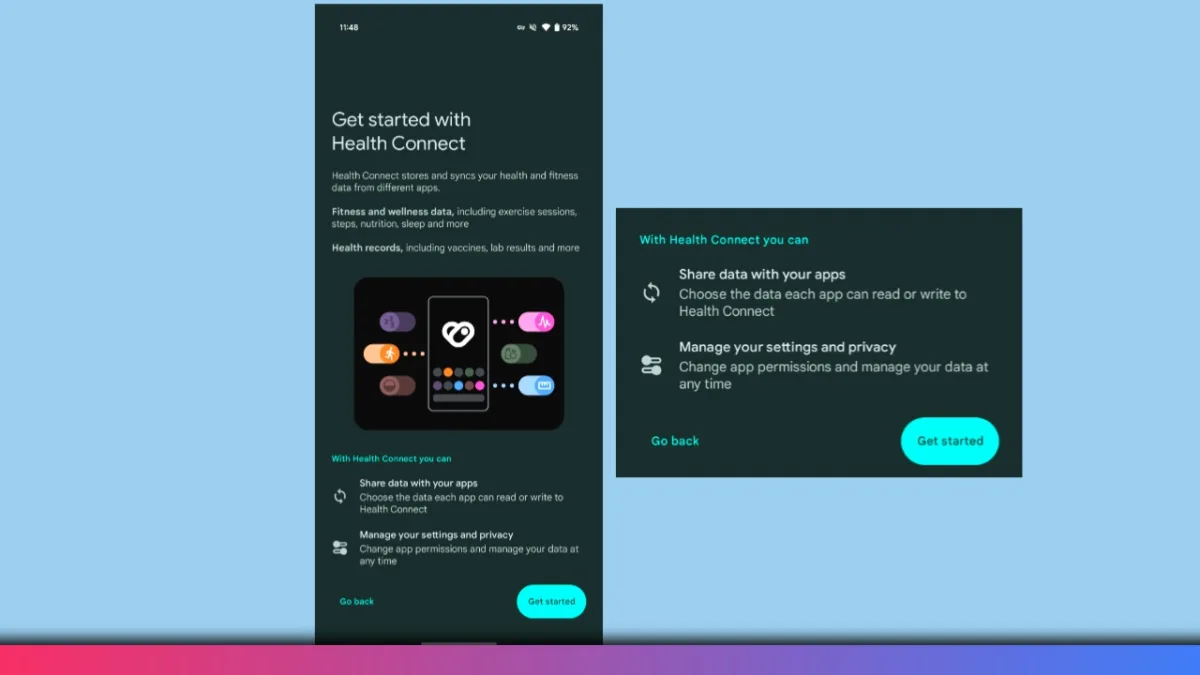
Health Connect now tracks steps
You can enable phone-based step counting in Health Connect settings. Toggle it under Devices after the update. This basic fitness feature finally reaches Pixels. Many other Android phones had this for years.
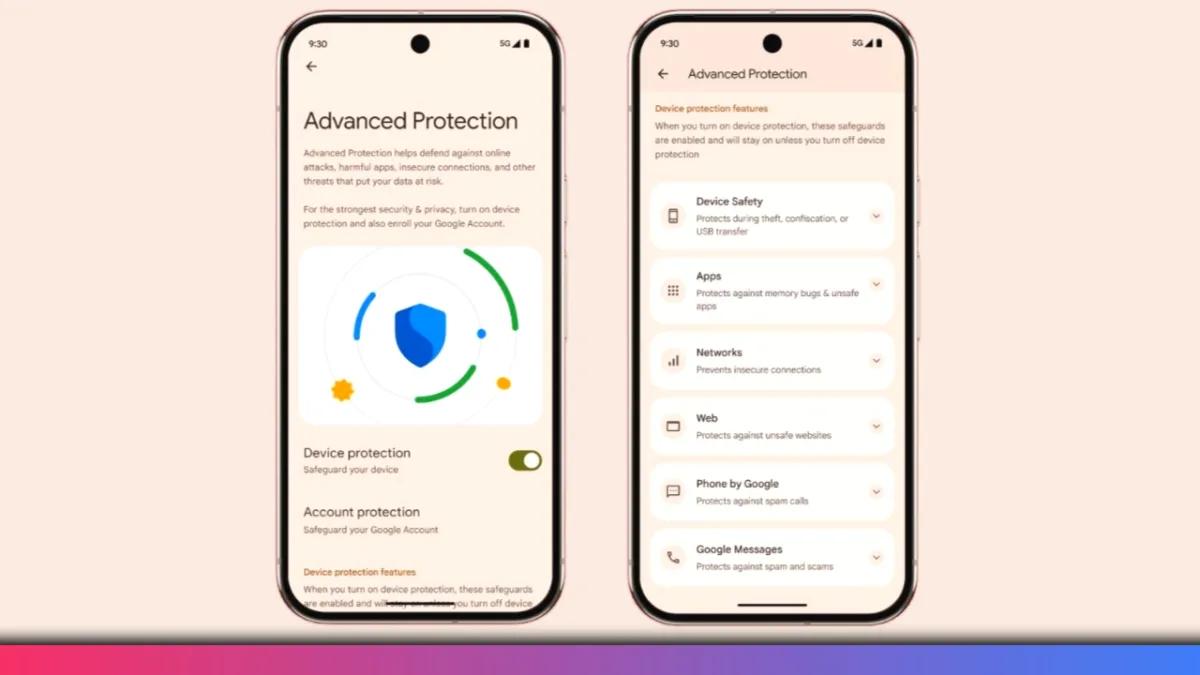
Expanded identity checks for security
Security also gets a boost with “expanded identity check” in Android 16 QPR2 Update. This forces biometric authentication (face or fingerprint) for accessing sensitive areas within apps, adding an extra layer of protection if your phone is ever lost or stolen.
Automatic time zone notifications
You will appreciate this new notification feature if you travel often. Your Pixel will now alert you when you enter a new time zone, ensuring your on-device clock is always accurate. It even works if you use GPS spoofing apps, which is a neat detail.

YOU MAY LIKE THESE:
- UPI on HMD, Nokia Feature Phones Will Stop Working After August 1
- How to Play Brown Dust 2 on Linux Using Heroic Games Launcher
- Google’s Leaked “Aluminium OS” Could Be the Biggest Android Shift in Years
- How to Install & Play Neverness to Everness on Linux Using Steam and Proton
- Before You Reinstall Windows, Try These 10 Built-In Fixes
Wrapping up the Pixel Drop
You can see that Android 16 QPR2 Update is packed with useful additions. From smarter dark mode and better multitasking to the return of lock screen widgets and custom icon shapes. It’s a strong finish to the year for Pixel owners.