
Old laptops and aging PCs often struggle with modern operating systems. Windows feels heavier with every update. Additionally, many low-end machines become frustratingly slow over time. That’s exactly where Zorin OS Lite tries to help.
The newly released Zorin OS 18 Lite is designed specifically for older hardware. It promises a lightweight Linux experience without making the system feel outdated or stripped down. After testing it on an older Ryzen-powered laptop, the experience was surprisingly smooth.
Here’s a closer look at how Zorin OS 18 Lite performs in daily use, gaming, productivity, and even running Windows software.
First Impressions: Lightweight but Modern
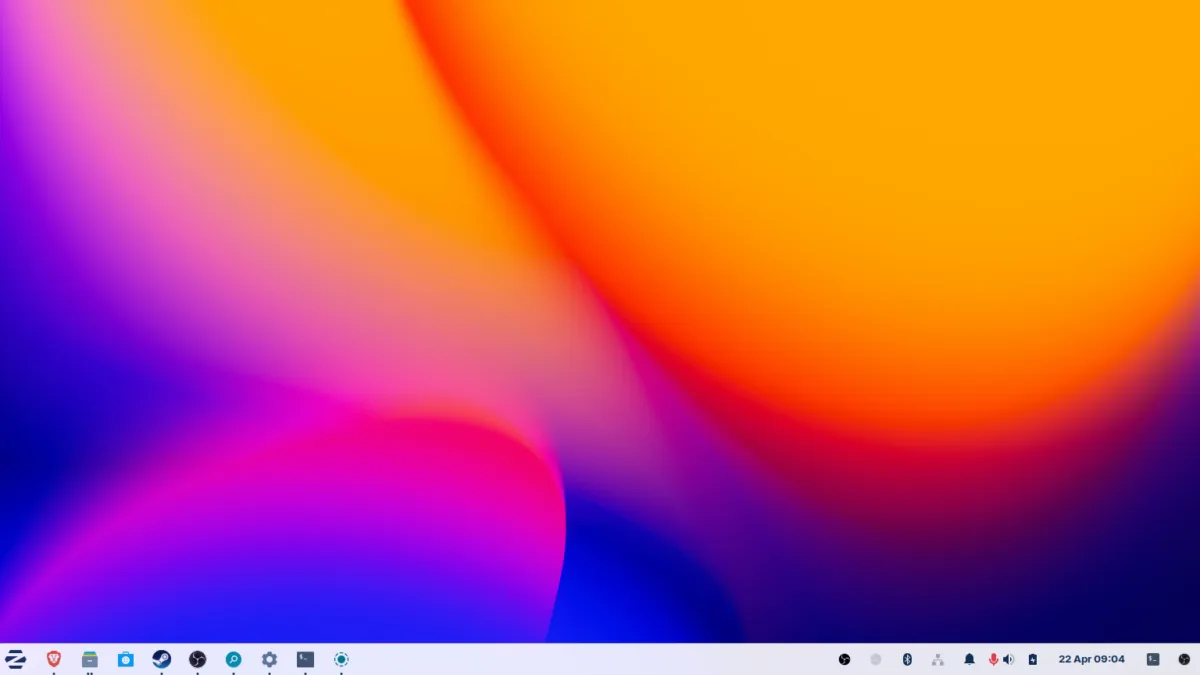
Right after booting into the desktop, Zorin OS 18 Lite feels clean and polished. Despite being based on the lightweight XFCE desktop environment, it still looks modern and user-friendly.
The layout is easy to understand:
- Calendar and notifications sit on the right side
- Brightness and volume controls are built in
- Separate media controls are available
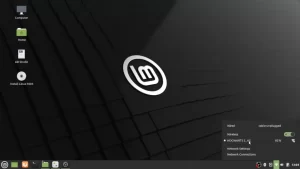
- Wi-Fi, Ethernet, and Bluetooth toggles are easy to access
- The app launcher is located on the left
Unlike many lightweight Linux distributions that feel outdated, Zorin manages to keep things visually appealing while staying fast.
Customization Options Are Surprisingly Good
One of the highlights of Zorin OS Lite is its customization.
Inside the Zorin Appearance app, users can:
- Change desktop layouts
- Adjust colors and themes
- Modify fonts and icons
- Use dock-style layouts inspired by macOS
Some advanced layouts are locked behind the Pro version, but the free options are already quite usable.
There was a small delay while scrolling through app pages for the first time, but after that, navigation felt responsive.
A useful trick worth enabling is the desktop right-click application menu. Once activated, you can quickly access apps and settings directly from the desktop, making navigation much faster.
Built for Older Hardware
The biggest selling point of Zorin OS 18 Lite is performance on aging hardware.
The system tested here used:
- AMD Ryzen 5 2500U
- 8GB RAM
- Vega 8 Graphics
Even on this setup, the operating system felt responsive during normal usage.
The OS is based on XFCE, which helps reduce resource usage while keeping the experience smooth. Zorin OS 18 Lite will also receive updates until 2029, making it a good long-term option for older systems.
RAM Usage and Performance Test
Out of the box, RAM usage stayed around 38% while idle, which is reasonable considering the modern interface and preinstalled applications.
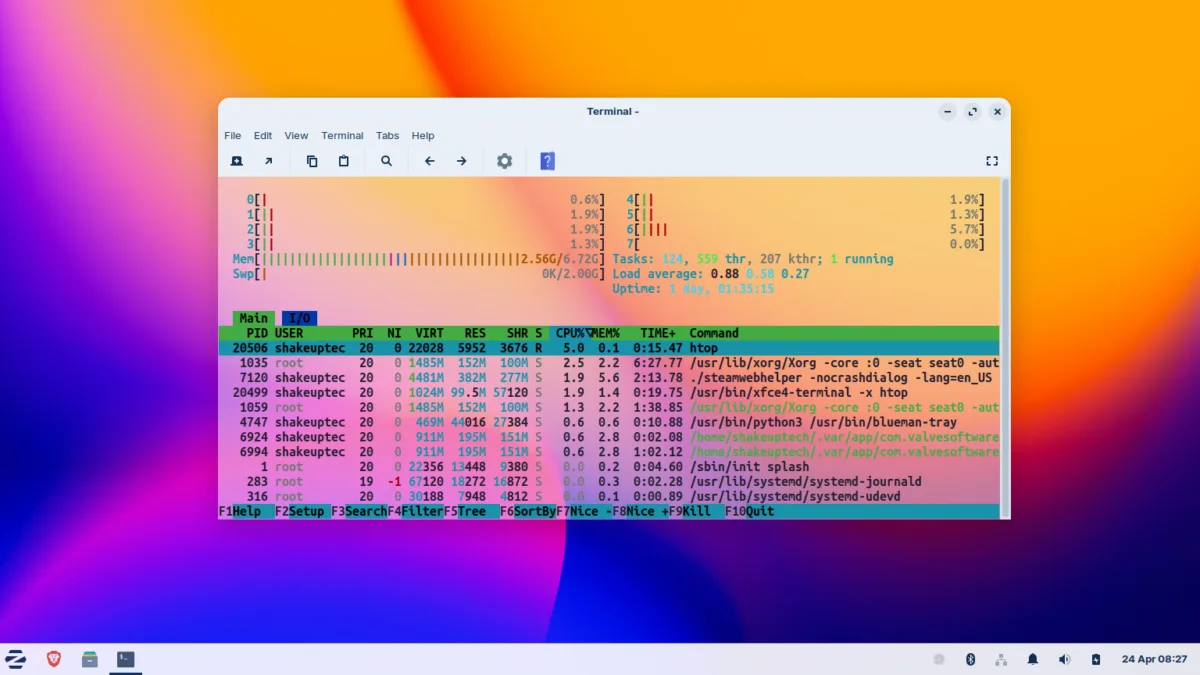
To test heavier multitasking:
- Multiple YouTube tabs were opened
- Videos were duplicated across tabs
- Browser load was intentionally increased
RAM usage eventually climbed to around 65%, but the system remained smooth with no major stutters or freezes.
That’s impressive for older hardware running several browser tabs simultaneously.
Running Windows Apps on Linux
One of the most interesting parts of Zorin OS Lite is the built-in Wine support.
For users switching from Windows, this can be a huge advantage because some older Windows applications still work without needing a virtual machine.
During testing, an older Photoshop executable was installed directly through Wine.
The process was simple:
- Open the EXE installer
- Use the Windows-style setup wizard
- Install the application normally
- Launch the app inside Linux
Surprisingly, Photoshop launched successfully and felt fairly responsive. Importing images and using editing tools worked without major issues.
Even the familiar Windows file picker appeared correctly.
This makes Zorin OS Lite especially appealing for users who still rely on older Windows software.
Gaming on Zorin OS Lite
Linux gaming has improved massively in recent years, and Zorin OS Lite supports Steam and Proton for Windows game compatibility.
Lightweight Games Work Well
A lightweight multiplayer shooter like Combat Master ran surprisingly well.
Even with screen recording enabled:
- Gameplay stayed smooth (Low Graphics)
- Performance remained playable
- Loading times were acceptable
For casual gaming on older hardware, the experience was better than expected.
Heavier Games Are More Challenging
Testing a more demanding game like Metro: Last Light showed the limits of the hardware.
The game technically launched using Proton 7, but performance suffered from noticeable lag and stuttering. It was interesting to see the game run at all, though it wasn’t truly playable on this setup.
This highlights an important point:
Zorin OS Lite is designed for usability and lightweight computing, not high-end gaming.
Useful Preinstalled Apps
Zorin OS 18 Lite Pro comes with many essential applications already installed, which makes setup easier for beginners.
Some notable apps include:
Brave Browser
Brave Browser comes preinstalled and provides a privacy-focused browsing experience.
Blender
Blender runs smoothly for lightweight 3D work and modeling tasks.
Kdenlive
Kdenlive offers surprisingly advanced video editing tools, including:
- Effects
- Color grading
- Timeline editing
LibreOffice
LibreOffice now features a cleaner and more modern interface while still handling office work well.
Catfish Search
The included Catfish search tool is faster and more powerful than the default file manager search in many cases.
It helps quickly locate files across the system.
Fingerprint Scanner Support
A nice bonus feature is fingerprint reader support for compatible laptops.
This is something many lightweight Linux distributions still struggle with, so it’s good to see it working properly here.
Zorin OS Lite vs Chrome OS Flex
In many ways, Zorin OS Lite feels like a better solution than Chrome OS Flex for older PCs.
Chrome OS Flex works well for browser-focused tasks, but it can feel limited if you want:
- Desktop applications
- Gaming support
- File management flexibility
- Windows software compatibility
Zorin OS Lite provides a more complete desktop experience while still staying lightweight.
Final Thoughts
Zorin OS 18 Lite does a great job balancing performance, usability, and modern design.
It won’t magically turn an old laptop into a gaming machine, but for:
- Browsing
- Watching videos
- Office work
- Light gaming
- Older Windows applications
…it performs surprisingly well.
The combination of a modern interface, lightweight XFCE base, long-term support, and Wine compatibility makes it one of the most beginner-friendly Linux distributions for older PCs right now.
If you have an aging laptop sitting around unused, Zorin OS 18 Lite might actually make it enjoyable to use again.