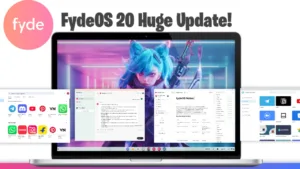

Introduction to Fyde OS 21 Update
You can expect the new Fyde OS 21 Update to enhance your daily tasks with smarter tools and a smoother experience. The Update pushes out new features that improve productivity, accessibility, and security, making this version more user-friendly for tech enthusiasts.
Smarter Screenshot Tools in Fyde OS 21 Update
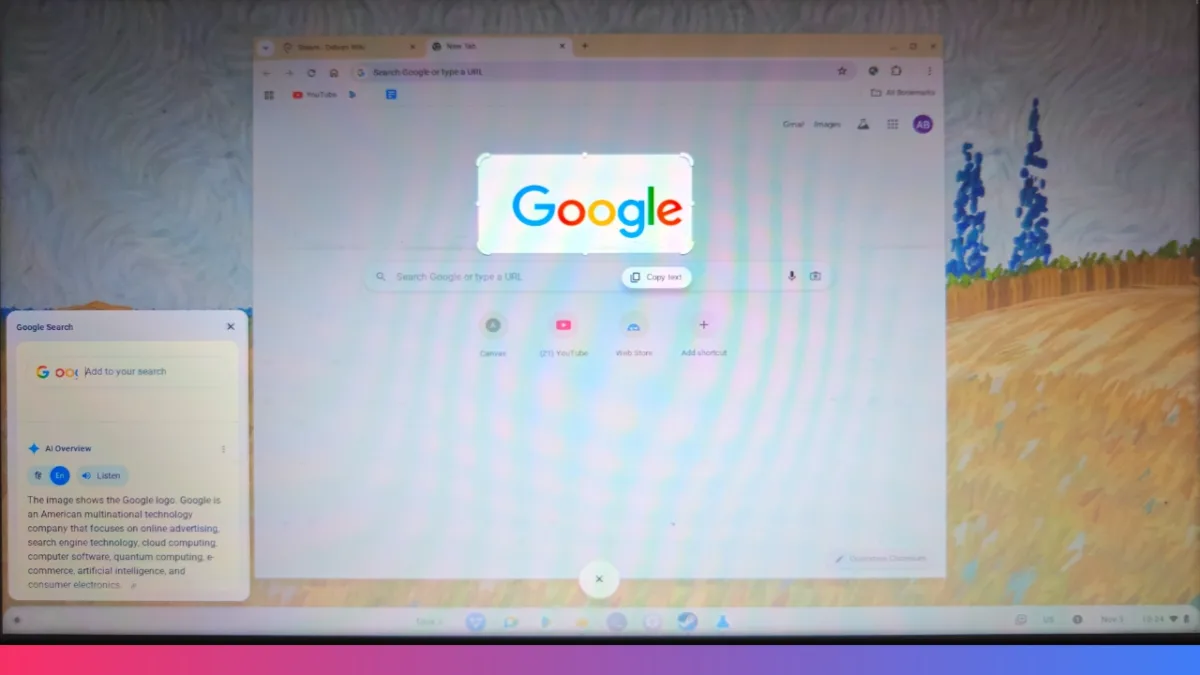
The new version introduces OCR, letting users copy text directly from screenshots—a major time saver. Press the print key, select manual mode, choose your area, and instantly grab editable text. Google’s Circle to search now connects screenshots to instant web searches for easier research and sharing.
Expressive Quick Insert Panel
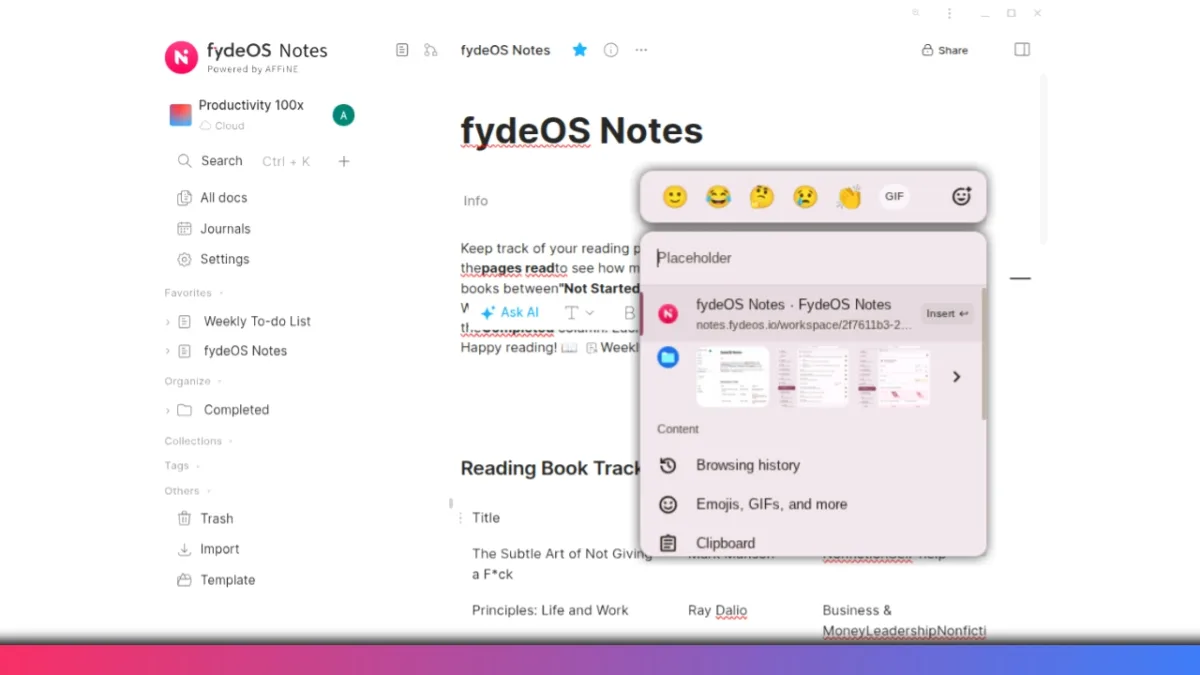
You can open the insert panel with Windows + F. Furthermore, you can swap text case, add emojis, GIFs, screenshots, and other rich content to your messages. This new shortcut helps users communicate with flair and speed, all in just a few key taps.
Powerful AI Features in Fyde OS 21 Update
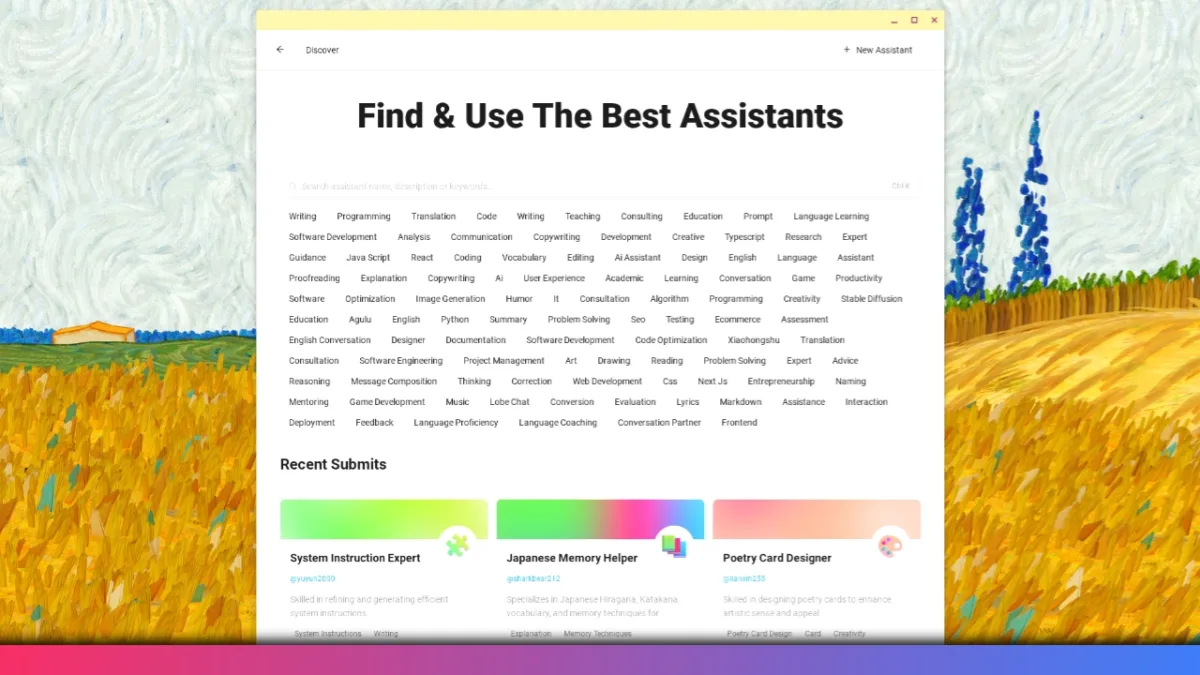
The previous Fyde OS AI update gave access to over 100 AI agents and 13 built-in language models. This version also keeps AI features prominent, packing in reliable assistants for coding, writing, and language learning. The Fyde Notes app leverages AI for smarter writing and offers more than 15 productivity settings.
Accessibility and Ease of Use
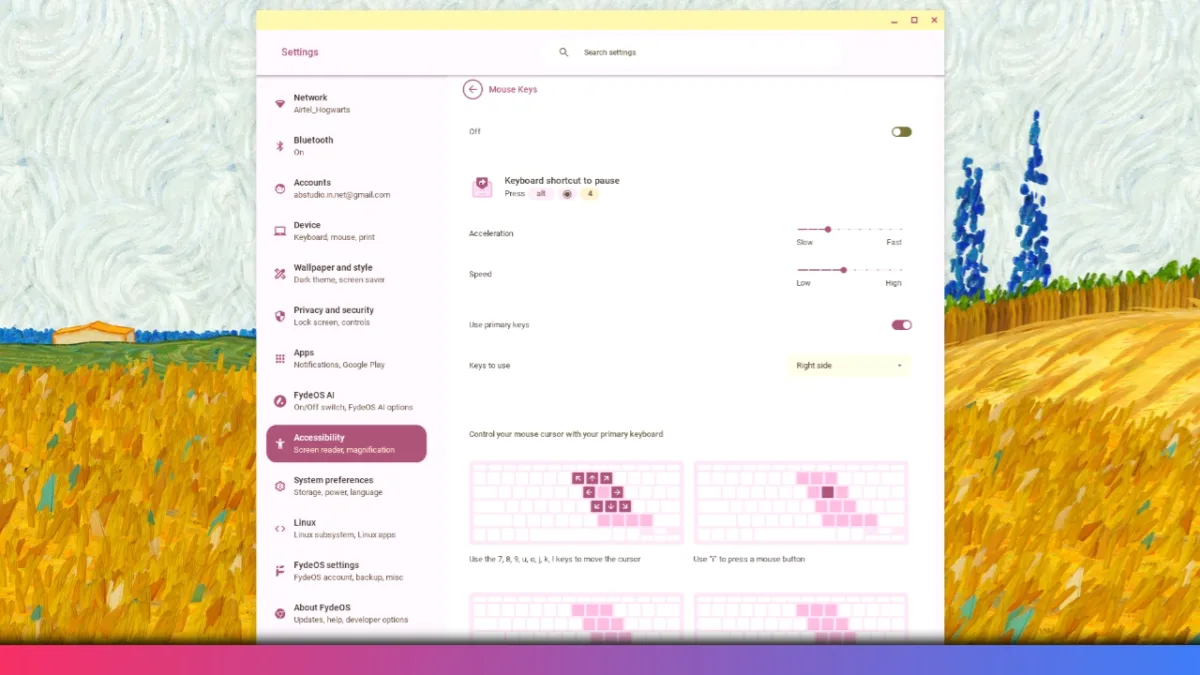
Everyone can benefit from the improved accessibility options. The Fyde OS 21 Update lets users control the mouse cursor with keyboard keys, and bounce keys prevent accidental double presses, a true help for anyone with hand mobility needs. You can also customize these settings for speed and style, ensuring a flexible user experience.
Artistic Touches and File Management
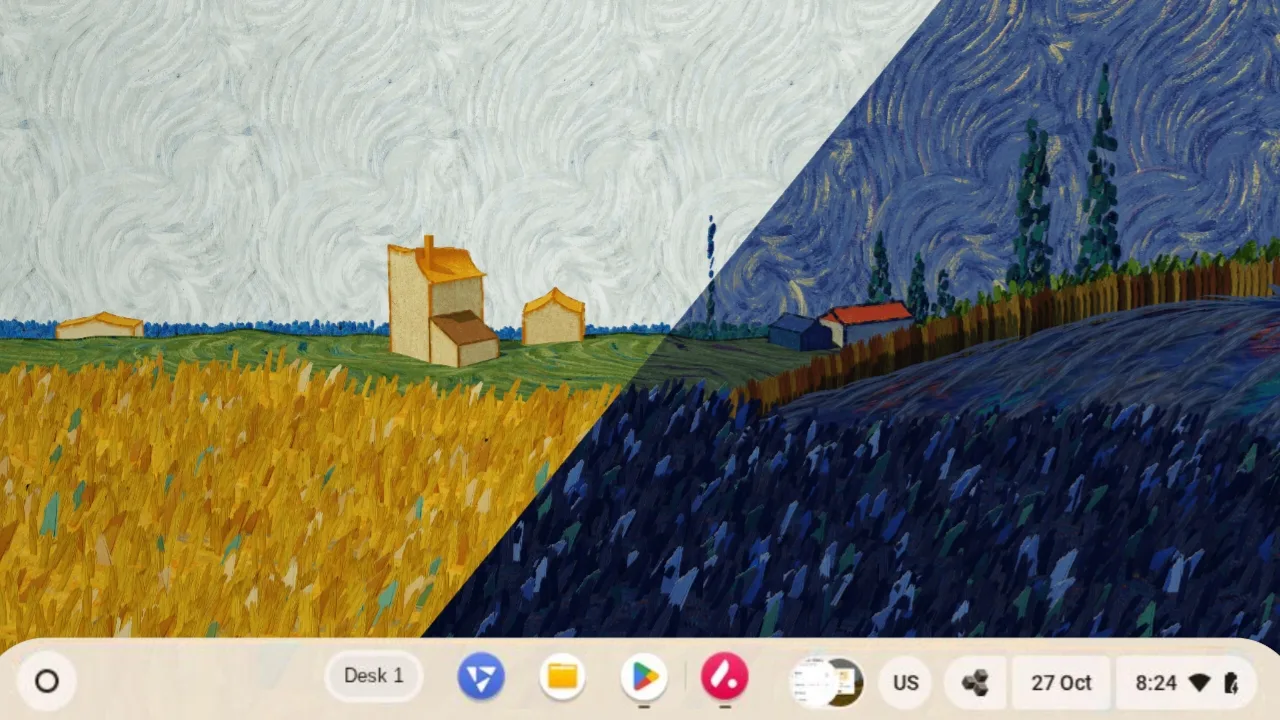
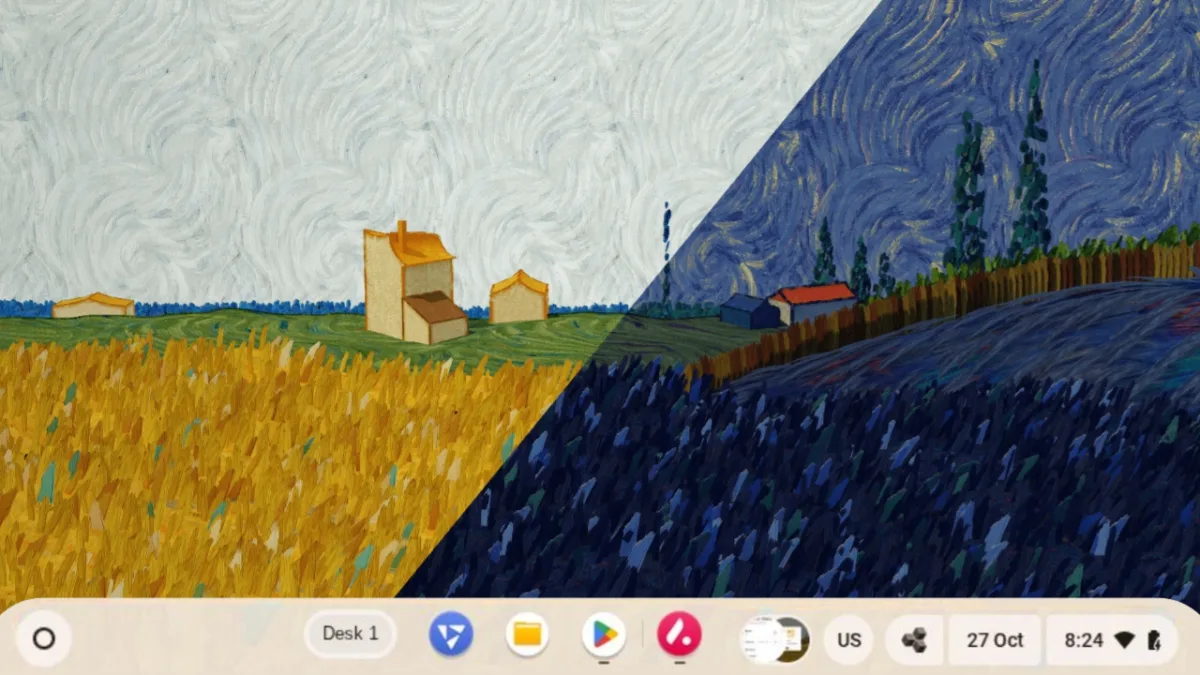
The Update features new Van Gogh-inspired wallpapers that shift between light and dark modes, making the desktop look fresh and modern. Microsoft 365 integration now lets users access and edit their OneDrive files directly in the file manager—just sign in, move files, and work across platforms.
Hardware Compatibility and Installation
Fyde OS has expanded support for Intel Celeron and Pentium chipsets, as well as a wider range of x86 and ARM hardware. Use the compatibility chart on their website to verify if your device is supported. Users can follow the single- or dual-boot installation guides to quickly set up Fyde OS on most platforms.
YOU MAY LIKE THESE:
- ColorOS 17 Update Schedule: 50+ Oppo Phones and Expected Rollout Dates
- PhonePe UPI Rolls Out on Nokia and HMD Feature Phones: Full Device List
- UPI on HMD, Nokia Feature Phones Will Stop Working After August 1
- How to Play Brown Dust 2 on Linux Using Heroic Games Launcher
- Google’s Leaked “Aluminium OS” Could Be the Biggest Android Shift in Years
Summary and Final Thoughts
The new Fyde OS Update makes life easier for every user, tech-savvy or beginner. OCR screenshots, smarter search, more personalization, and better accessibility place Fyde OS ahead of standard Chrome OS alternatives. You can personalize work, manage files easily, and enjoy upgraded support for different hardware, all in one reliable platform.