
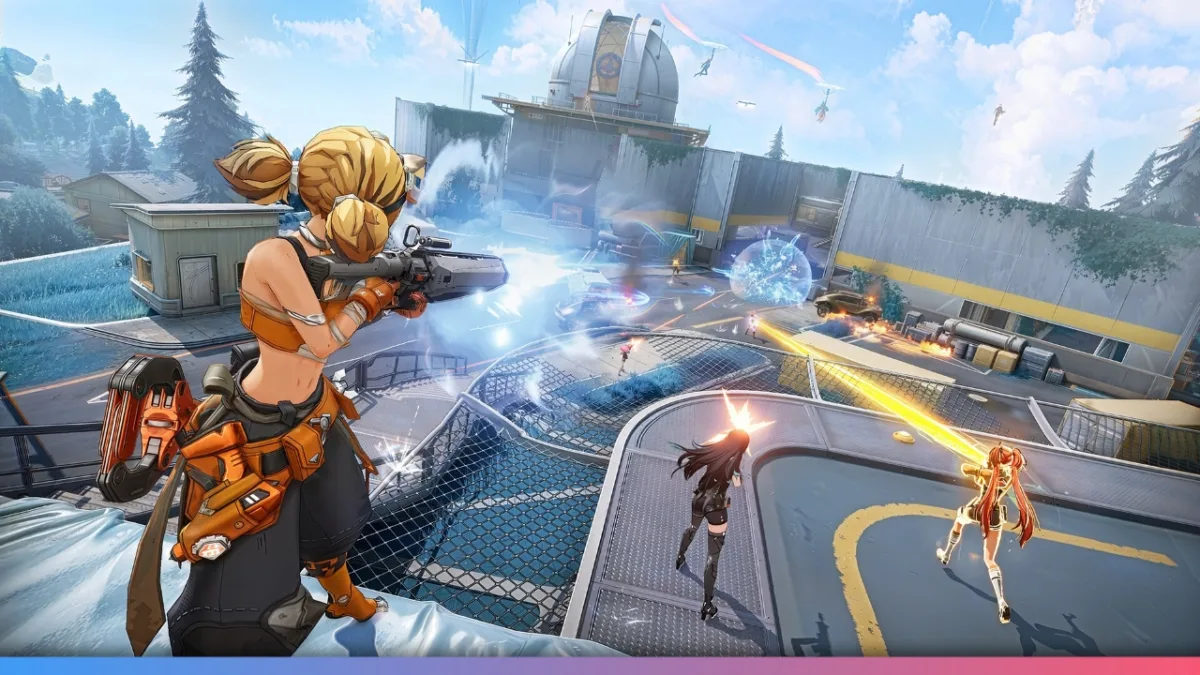
You may have seen Fate Trigger blowing up on Twitch lately, with players calling it the anime take on battle royale and comparing it to Fortnite. The closed beta is here and, if you’ve been wondering how to get a Fate Trigger beta key, there are a few solid methods. Let’s go through each step to help you secure your beta access without missing out, so you can start testing Fate Trigger yourself and enjoy the action.
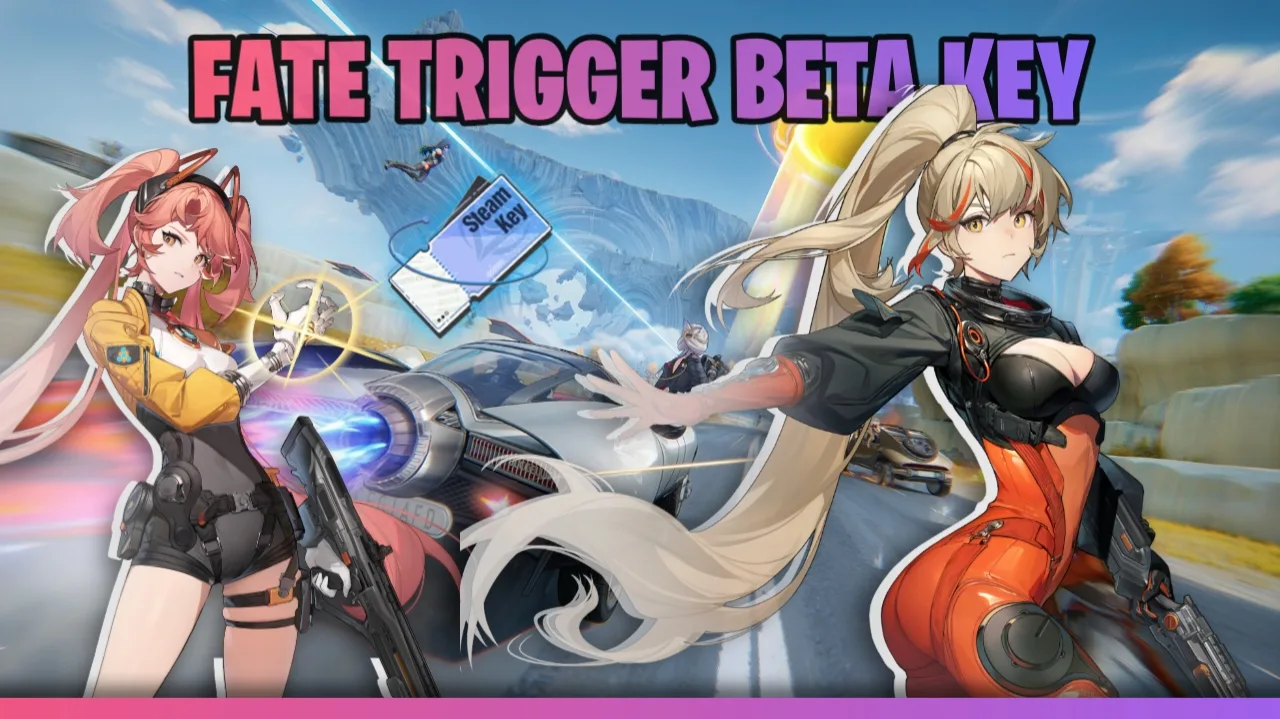
Check Your PC Requirements Before
Before starting, make sure your PC can handle the game. You’ll need at least an Intel i5-6600 with a GTX 1050Ti for the minimum experience, but the recommended specs are i7-8700 and RTX 2060, plus 40GB of SSD storage. Reviewing your specs first will save time and avoid any hiccups during installation.
Step One: Register or Log In to Claim Your Fate Trigger Beta Key
The main way to get a beta key is to start with Saroasis, the official account system. Registration is the same as login; pick an option like Google or Facebook, create your account, and then log in. Next, make sure your Twitch account is also linked, as the process will ask you to watch gameplay on a drops-enabled Twitch stream.
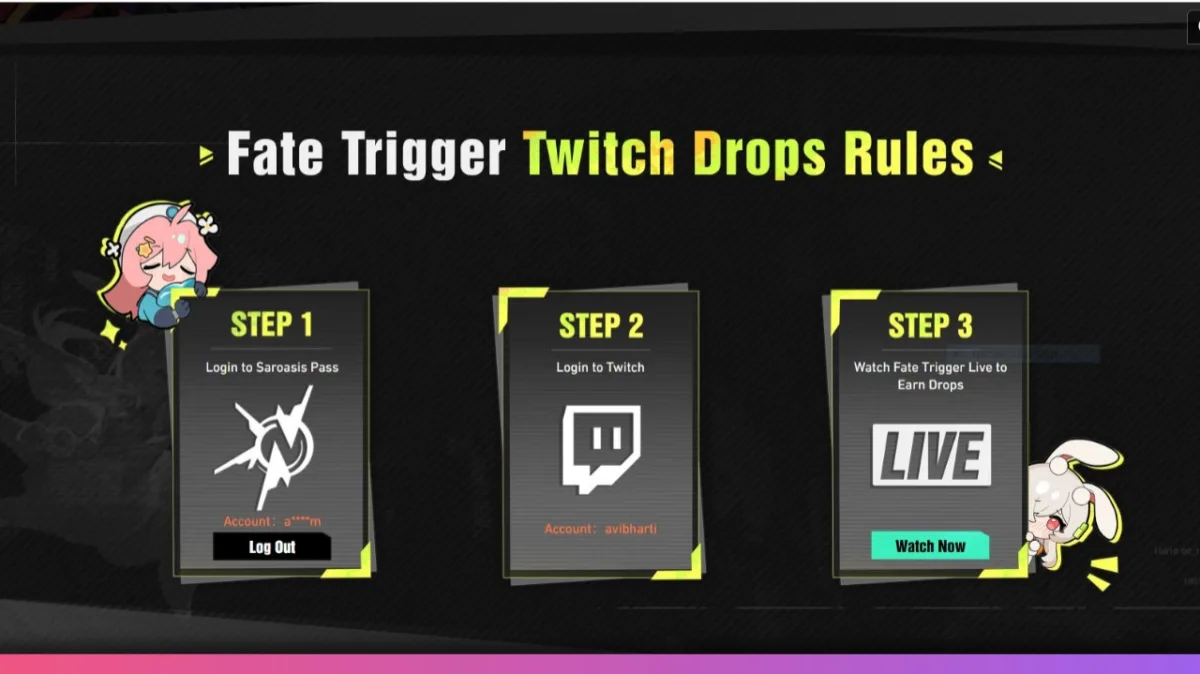
Step Two: Watch a Drop-Enabled Twitch Stream
After logging in, search Fate Trigger on Twitch and pick a live streamer with drops enabled. You just need to watch for about one hour to become eligible for the Twitch drop that could award a Fate Trigger beta key. Many find this is the quickest route, but it does require having your Twitch account linked up correctly.
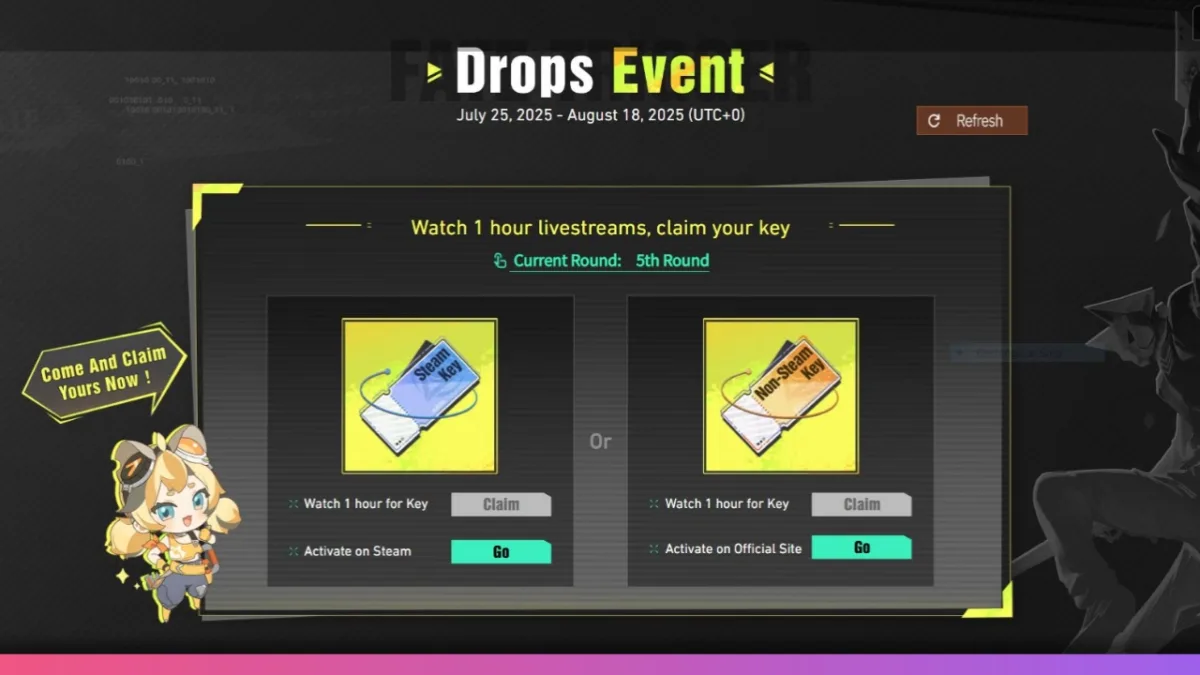
You can monitor your Twitch drops progress from the game’s website using the refresh button.
Step Three: Claiming Your Fate Trigger Beta Key
Once you’ve met the viewing requirement, you have a bit of a choice. If prompted, do not immediately claim your Twitch drop inside Twitch. Instead, go back to the Fate Trigger site where your drop will be waiting. If all Steam keys for the beta have been claimed, don’t worry. You can request a non-Steam beta key and still get access.
Make sure to:
- Return to the official key claim page after your hour on Twitch.
- Try the Steam key claim first.
- If it’s no longer available, click for a non-Steam beta key.
Step Four: How to Activate Your Fate Trigger Beta Key
If you get a Fate Trigger beta key for Steam, redeem it using the standard activation menu in Steam. If you receive a non-Steam key, follow instructions on the official Fate Trigger launcher page. You’ll be prompted to download the launcher, sign in with your account, and activate your code directly in the launcher.
It’s worth noting you must enter your date of birth for age verification when logging in for the first time. After activation, the launcher will let you download the full game files and install Fate Trigger on your PC. Be ready for a sizeable download; this beta build is nearly 38 GB.
ALSO READ:How to Download and Play Where Winds Meet Beta For Free
Troubleshooting
Some players get tripped up if they claim their drop in Twitch rather than on the key page. If something goes wrong and you miss your Steam key, always go back and look for the backup non-Steam beta key. Check account connections and refresh login states if the launcher seems out of sync.
If you run into any snags, the FAQ on the Fate Trigger site explains which steps to follow, and usually, there’s a link to reset or resend your beta key. Just keep an eye on the official beta news for details about extra key releases and timings.
- ColorOS 17 Update Schedule: 50+ Oppo Phones and Expected Rollout Dates
- PhonePe UPI Rolls Out on Nokia and HMD Feature Phones: Full Device List
- UPI on HMD, Nokia Feature Phones Will Stop Working After August 1
- How to Play Brown Dust 2 on Linux Using Heroic Games Launcher
- Google’s Leaked “Aluminium OS” Could Be the Biggest Android Shift in Years
Final Thoughts
With the right steps, you can get your Fate Trigger beta key fast and be ready to play the anime-inspired shooter everyone’s talking about. Try Steam first, and don’t forget the official launcher for non-Steam keys. Once you’ve claimed and activated your beta key, the only thing left is to join the action and see what all the hype is about.