
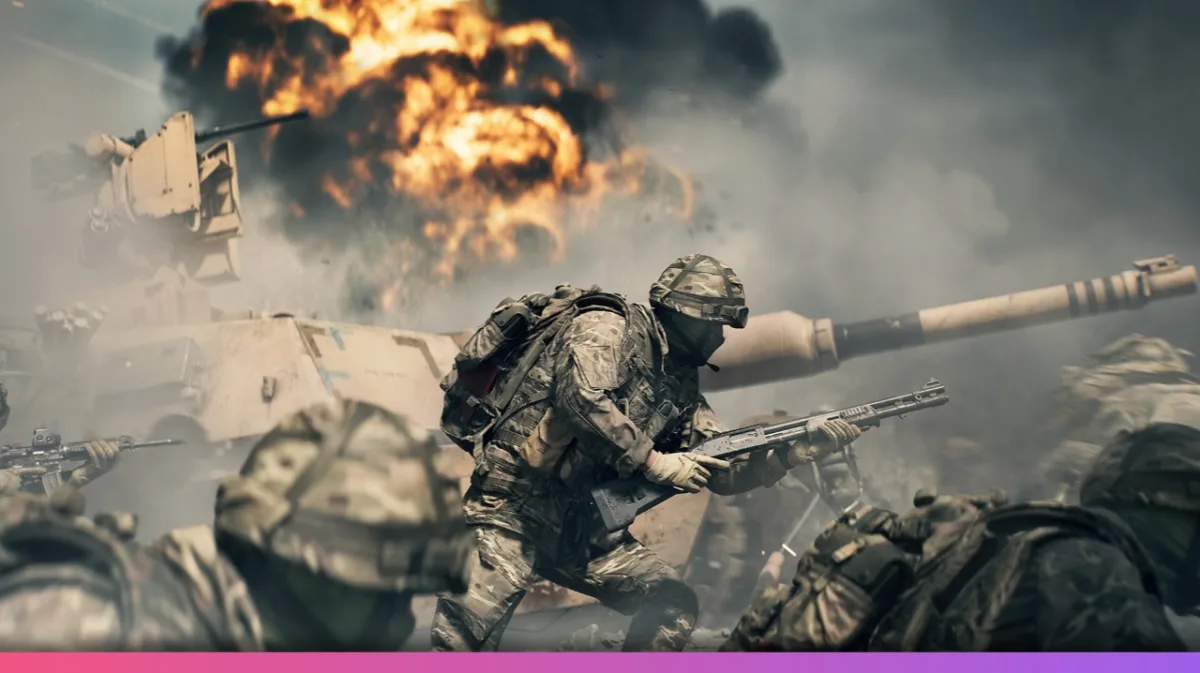
Excitement is building as the Battlefield 6 Beta draws near, and there’s no better time to get all the details on access and early rewards. Suppose you’ve been hunting for reliable ways to play early or simply want the best start. In that case, this guide on how to get your Battlefield 6 Beta key covers every angle—from timing and sign-up options to platform details, beta rewards, and gameplay highlights.
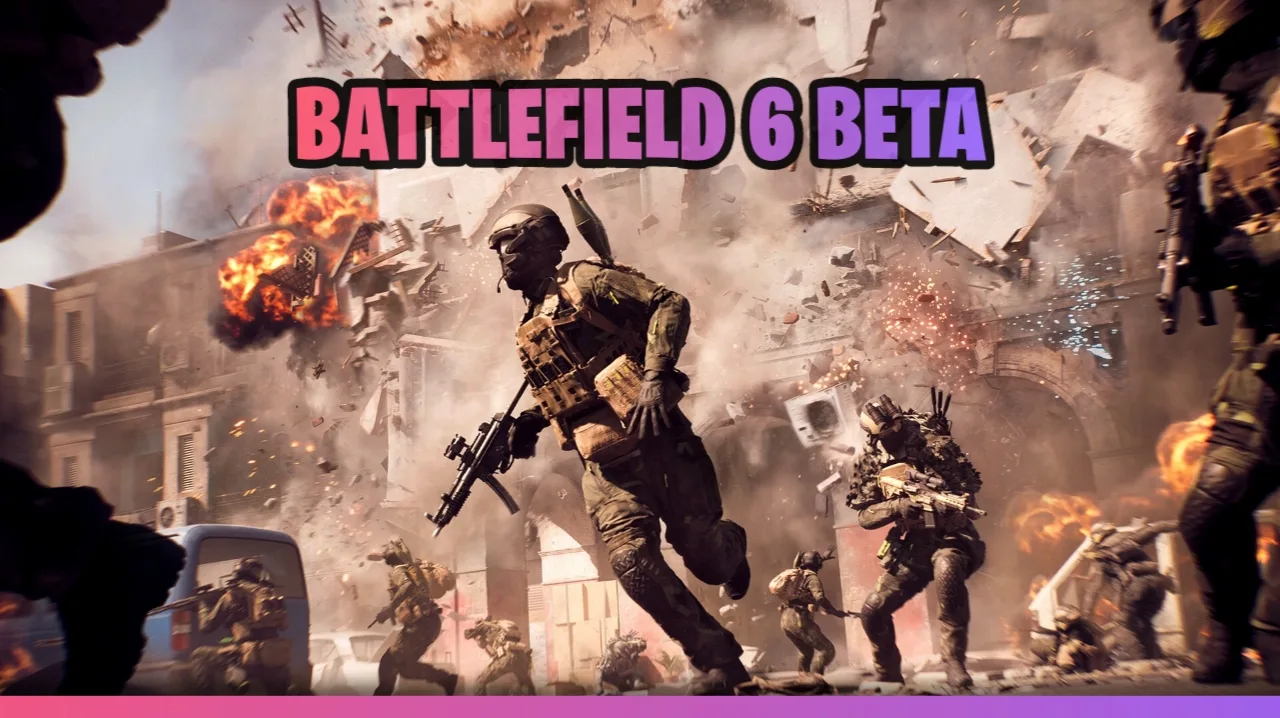
Battlefield 6 Beta Access: Dates, Preload, and Platforms
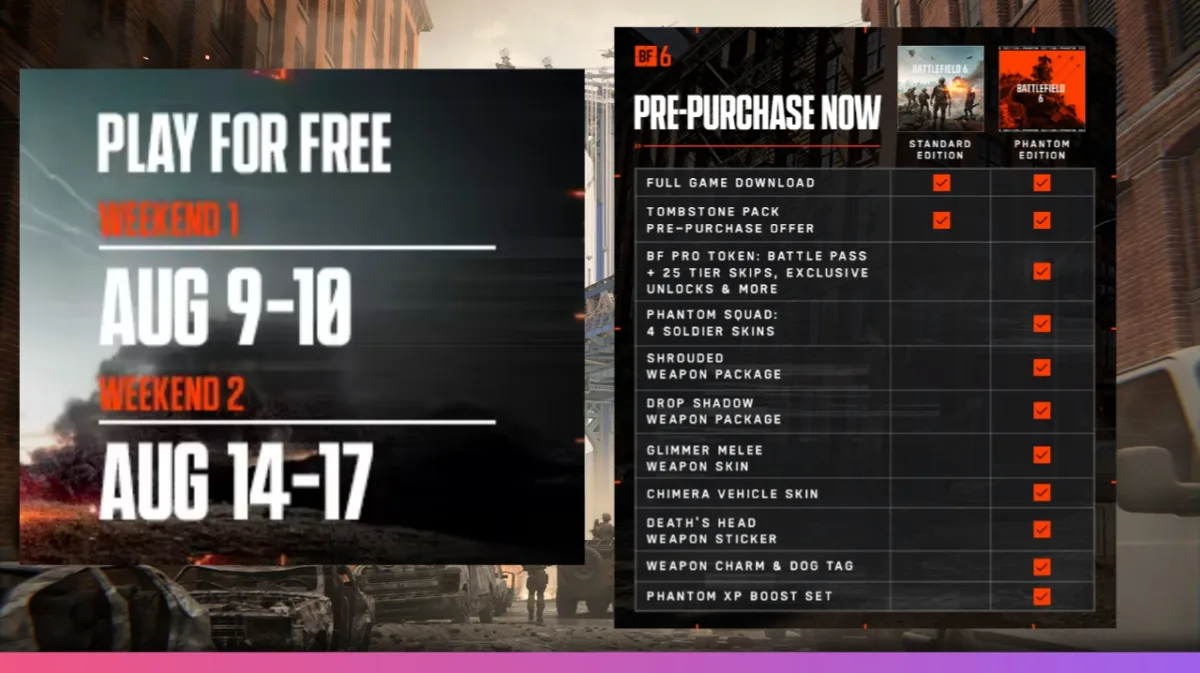
You’ve got several options when it comes to securing access. The Battlefield 6 Beta is split into two weekends:
- Early Access (August 7–8): For those who secure a Battlefield 6 Beta key via Battlefield Labs or Twitch drops.
- Full Open Beta (August 9–11 and August 14–17): Open to everyone, no pre-order required.
Preloading began on August 4th, allowing you to download the client ahead of time (approximately 40GB), which is especially handy if you have slower internet or play on a console. This way, you’ll be ready to join as soon as the servers open.
Battlefield 6 Beta runs on PC, PlayStation 5, and Xbox Series X/S. Last-gen consoles are not supported, ensuring the game is optimized for new hardware and better performance.
How To Get Your Battlefield 6 Beta Key: Best Methods
Battlefield Labs or Twitch Drops:
If you’re lucky enough to get an invite through Battlefield Labs or watch participating Twitch streamers, you can get early access. For Twitch drops, just link your EA and Twitch accounts, then tune into Battlefield 6 streams during the beta on August 7–8. After 30 minutes of viewing, you’ll earn a Battlefield 6 Beta key, ready to redeem on the EA redemption site. Be sure to claim your drop in your Twitch inventory within 24 hours, or it won’t be waiting at launch.
EA Play Pro Subscription:
Subscribing to EA Play Pro immediately gives you Battlefield 6 Beta access, along with not only the early test period but also the Phantom Edition and the full game at launch. This is a good value if you plan to play long-term.
Steam or EA App Beta Access:
Head to the Battlefield 6 page on Steam or the EA App and request beta access. While not always instant, you often get notified if extra slots become available—even during the open play windows.
Open Beta, No Key Needed:
If you don’t pick up a key for the early access, the open beta periods allow anyone on supported platforms to jump in. You’ll just need to download the game when it opens and meet the requirements.
ALSO READ: What To Know About PRAGMATA Demo, Release and Gameplay
Exclusive Battlefield 6 Beta Rewards and Twitch Drops
You’ll have plenty of reasons to stick around for both weekends. Watching official Battlefield 6 streams can earn you weapon packs, soldier skins, and exclusive cosmetics. Earn the Mimic Weapon Package after one hour, Landslide Skin after two, Shattered Vehicle Skin after three, and the Imperial Soldier Skin after four hours. If you miss one in the first weekend, don’t worry—your progress carries over to the next, and you’ll have another shot at claiming missing rewards.
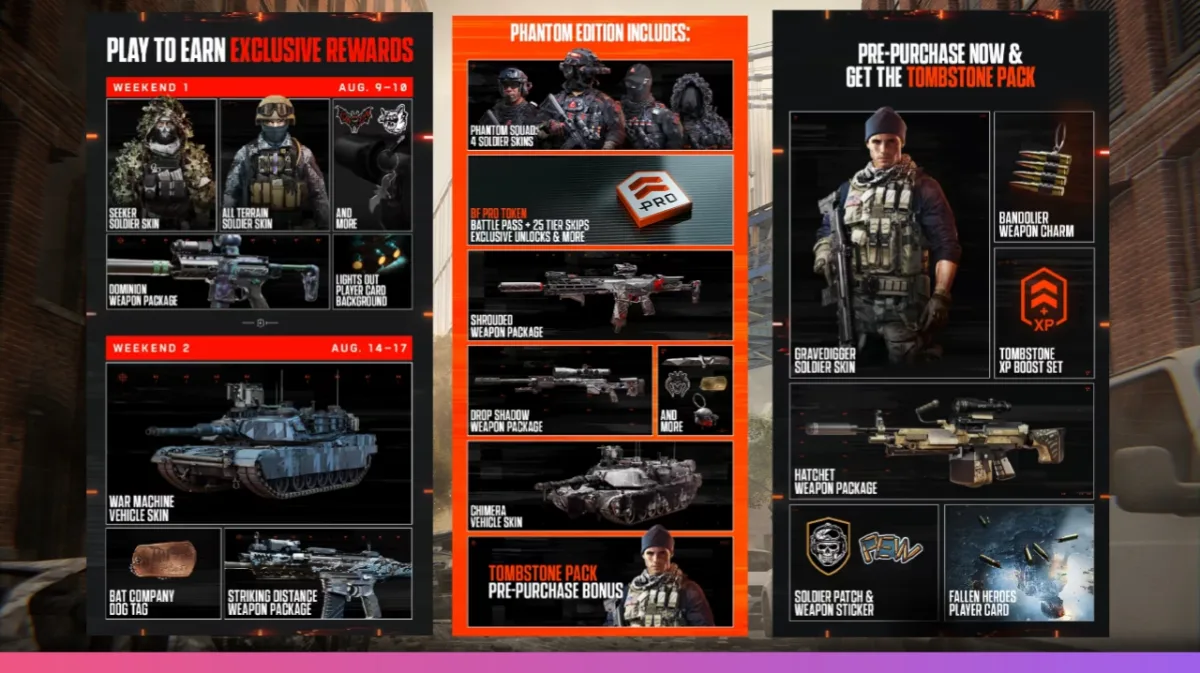
Class-specific and general in-game beta challenges also offer unlocks, such as the Lights Out player card, Rising Star character skin, Night Terror weapon charm, and specialist class cosmetics. All of these rewards will be ready and waiting in your account when Battlefield 6 officially launches.
System Requirements and Beta Content
If you’re on PC, now is a good time to check your settings. The minimum specs call for Windows 10, an i5 CPU, and at least an Nvidia RTX 2060 or AMD 5600. Importantly, make sure that secure boot is enabled in your BIOS, or the game may not launch—a lesson learned from the previous Battlefield beta.
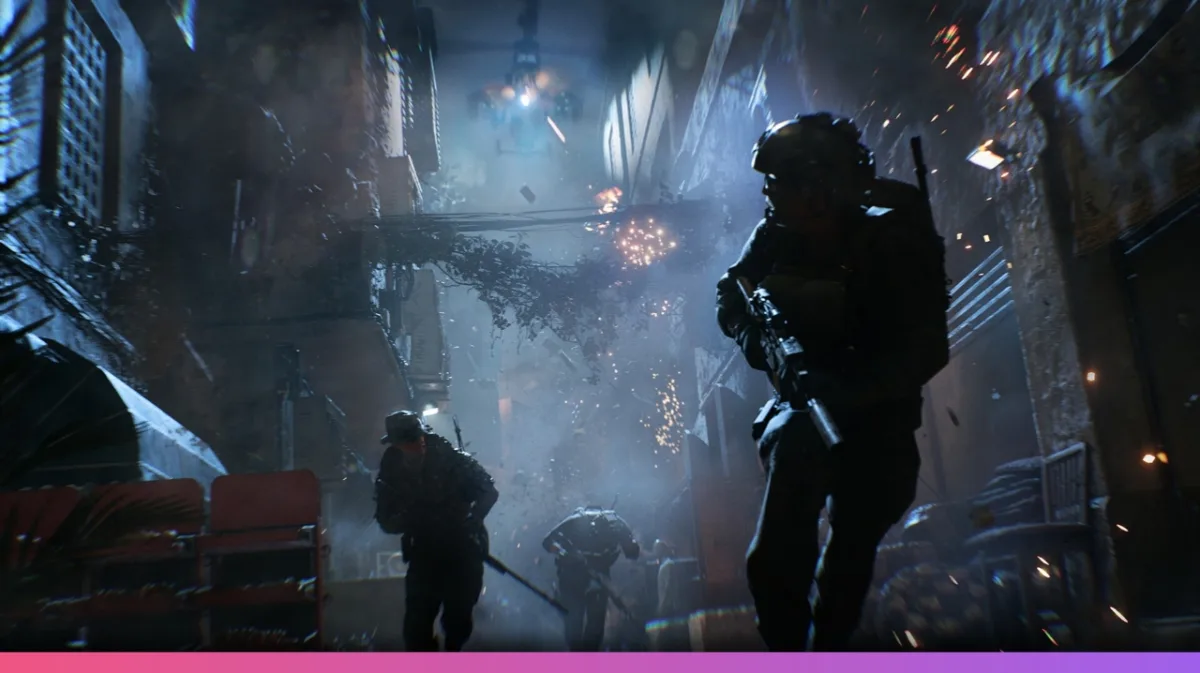
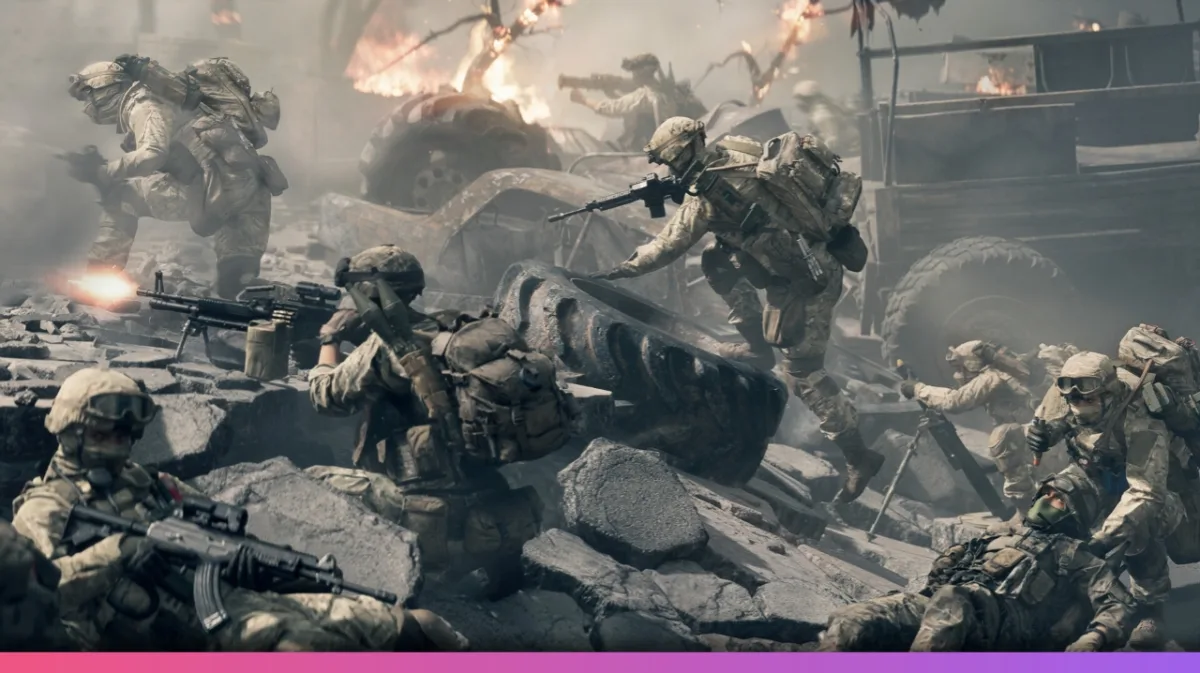
Battlefield 6 Beta weekends cover several core modes like Conquest, Breakthrough, Domination, and King of the Hill for the first round. The second beta weekend brings extra modes like Rush and Squad Deathmatch. Four maps are confirmed: Siege of Cairo, Liberation Peak, Iberian Offense, and Empire State (the last only available in weekend two).
Key Tips to Ace the Beta and Maximize Progress
- Take advantage of preload for a head start, as file sizes are large.
- Class bonuses make sticking to your role beneficial, but weapon flexibility means you can experiment more than ever.
- Make sure to claim and redeem all Twitch drop rewards promptly to secure your early cosmetics.
- Try Movement options like sliding, diving, crouch sprinting, and rolling, as they add a new layer to gunfights.
- Drag and revive make for safer squad play; new spawn cams help you pick safer entry points into battle.
- Training paths reset each round but let you customize your playstyle and unlock worthwhile one-time powers, so consider your approach for each class.
- ColorOS 17 Update Schedule: 50+ Oppo Phones and Expected Rollout Dates
- PhonePe UPI Rolls Out on Nokia and HMD Feature Phones: Full Device List
- UPI on HMD, Nokia Feature Phones Will Stop Working After August 1
- How to Play Brown Dust 2 on Linux Using Heroic Games Launcher
- Google’s Leaked “Aluminium OS” Could Be the Biggest Android Shift in Years
Wrapping Up: Be Ready for the Battlefield 6 Beta
Getting your Battlefield 6 Beta key has never been easier, thanks to multiple options from Twitch drops and EA Play Pro subs to the simple open beta downloads. Be sure to claim your early access and unlock unique cosmetics. Moreover, enjoy and test every class and map so you’re ready for the main release.
This round promises a real taste of what the full game will be at launch. Now’s your chance to get ahead and enjoy every new feature on offer.