

You can start playing AION 2 on Taiwan servers right now by following a simple setup process. The free-to-play MMORPG launched officially on November 18, 2025, and global players can easily join without needing a VPN or a Korean phone number. Setting up takes just a few minutes, so let’s explore exactly what you need to do.

Key Highlights
- Download AION 2 on Taiwan servers completely free with no VPN required
- Simple account creation using just an email address
- Cross-platform play is available on PC and mobile simultaneously
- Easy access via the Purple platform launcher
Why Choose Taiwan Servers Over Korea?
You can pick between Korean and Taiwan servers, but Taiwan offers clear advantages. The biggest difference is that Taiwan servers don’t require phone verification for account setup. Korea demands a local mobile number, which most global players can’t provide easily. Taiwan servers also tend to have better ping for European and American players compared to the Korean option. There’s no language barrier either since the game supports multiple languages.
Setting Up Your Account
1. Download the Purple Platform
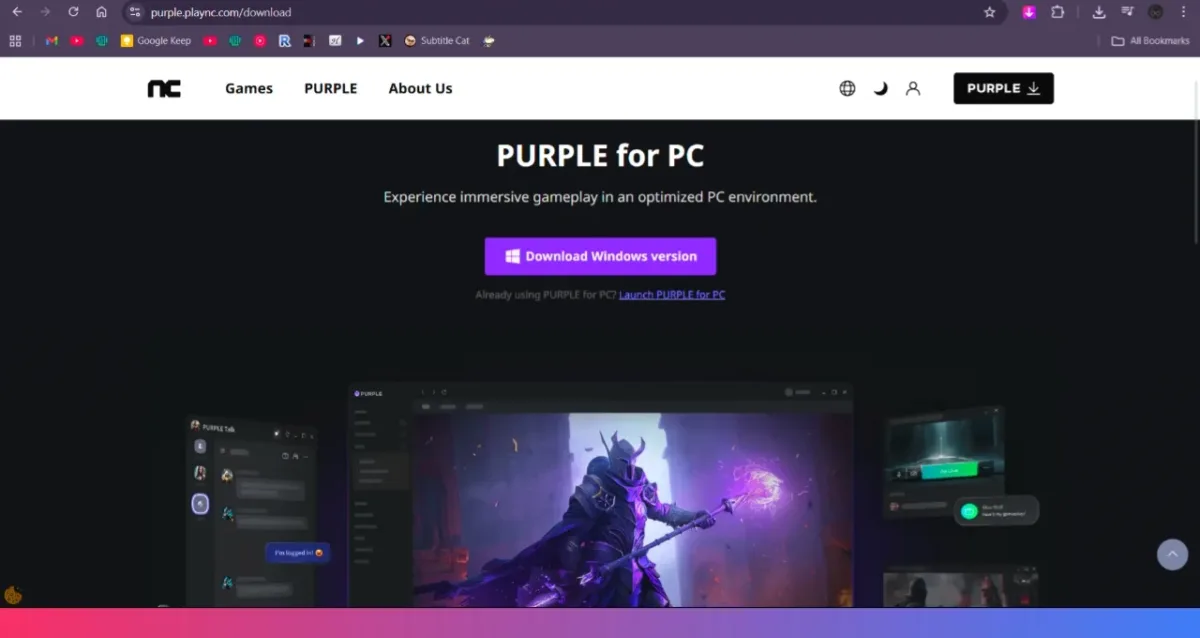
You’ll need to download Purple, which is the official launcher for AION 2. Visit the official Purple website and click the download button in the upper-right corner. Purple seems to be safe as it has been around for many years, serving NCSOFT games.
2. Create Your Account
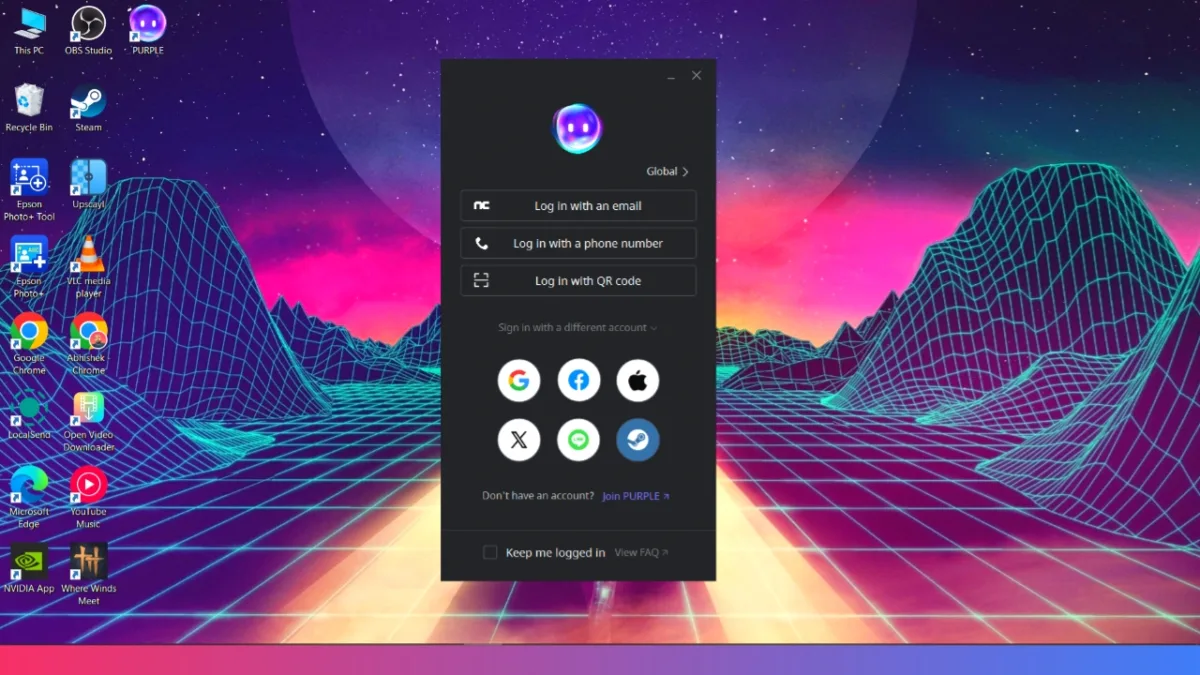
Open Purple and click “Join Purple” at the bottom of the login screen. Choose “Sign up with email address” and avoid other login methods. You must use a brand-new email address that’s never been registered on Purple before. If you reuse an old email, Purple will automatically kick you to the global region, and you won’t see AION 2 in the store.
3. Select Your Region
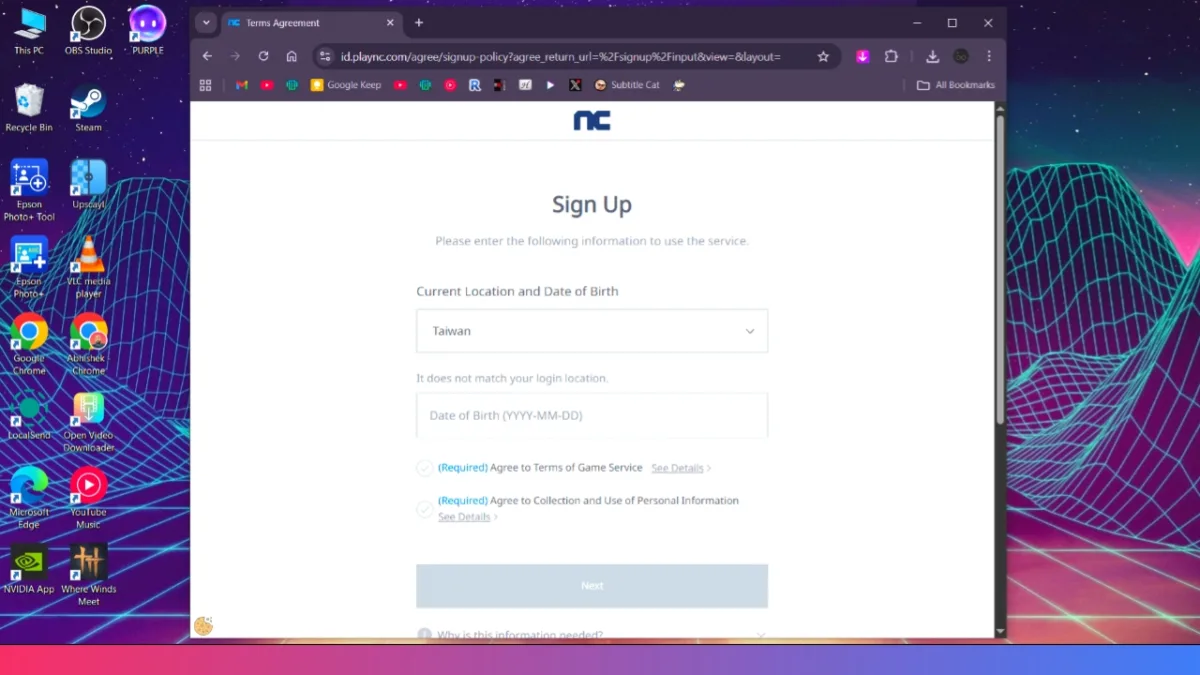
When creating your account, select Taiwan as your region. This is a crucial step because using the wrong region prevents you from accessing AION 2. After setup, you can log in with the global region, but during account creation, Taiwan must be selected.
4. Verify Your Email
After entering your email, you’ll receive a verification message. Complete the email verification process and set your password. That’s it—you’ve officially created your Taiwan account for AION 2.
ALSO READ: Horizon Steel Frontiers Unveiled: Massive Mobile & PC MMO, Next-Gen Machine Hunts
Downloading the AION 2 Game
1. Log in to Purple Launcher
After creating your account, open Purple and log in with your email and password. Set the region to “Global” during login, even though you created a Taiwan account. Taiwan falls within the global region.
2. Find AION 2 in the Store
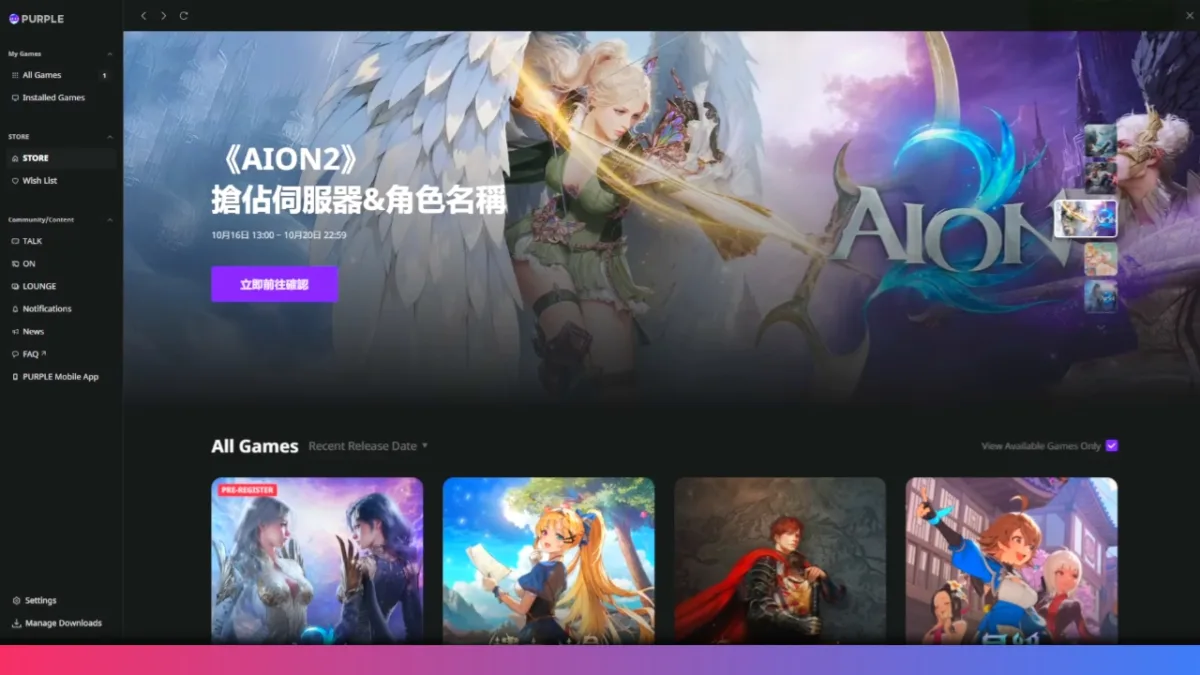
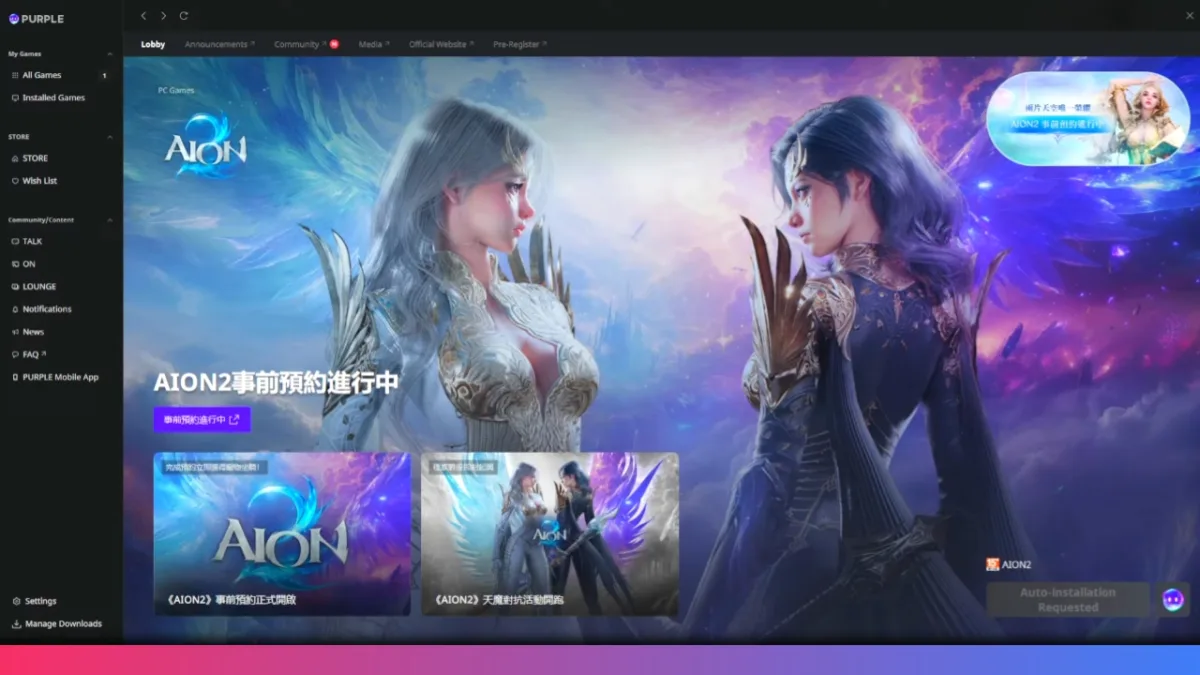
Click the “Store” option in Purple. Look for AION 2 in the game list. The store displays Chinese text, but AION 2 should appear clearly in the list. If you don’t see AION 2, you likely didn’t create a Taiwan account properly. Start over with a new email address and ensure the region is set to Taiwan during signup.
3. Start the Download
Click AION 2 and add it to your library. Auto-installation begins once the game is ready for download. Wait a few seconds, and the download process starts automatically.
4. Creating Your Character
Before the server fully opens, you can pre-create your character starting November 16. This lets you design your hero and reserve your desired name. Log in to AION 2, customize your appearance, and choose your class before the official launch.

Troubleshooting Download Issues
If AION 2 won’t appear in your store, you likely created an account in the wrong region. You must use a brand-new email and select Taiwan during signup. Reusing an old email or picking the wrong region forces Purple to place you in the global region instead.
Some players experience connection issues during download. Using a VPN can improve your connection speed and stability while downloading from Taiwan servers.
- UPI on HMD, Nokia Feature Phones Will Stop Working After August 1
- How to Play Brown Dust 2 on Linux Using Heroic Games Launcher
- Google’s Leaked “Aluminium OS” Could Be the Biggest Android Shift in Years
- How to Install & Play Neverness to Everness on Linux Using Steam and Proton
- Before You Reinstall Windows, Try These 10 Built-In Fixes
Conclusion
Now, Global players can enjoy AION 2 using the Taiwan servers. Just download Purple, create a fresh Taiwan account with your email, log in, and grab the game. No VPN needed, no phone verification required, and no paywalls to hit. Once you download AION 2, pre-create your character and pick your faction and server based on where global communities are gathering. You’re now ready to jump into one of the year’s biggest MMORPGs.