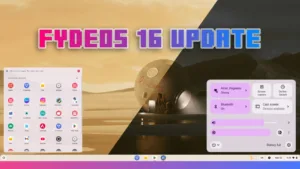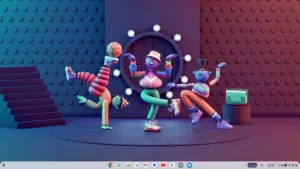

FydeOS has been steadily growing as one of the most compelling ChromeOS alternatives, but version 22 feels different. This isn’t just a maintenance update — it’s a meaningful step forward.
Let’s break down what’s new, what’s improved, and how you can unlock the full experience with Google Play Store support.
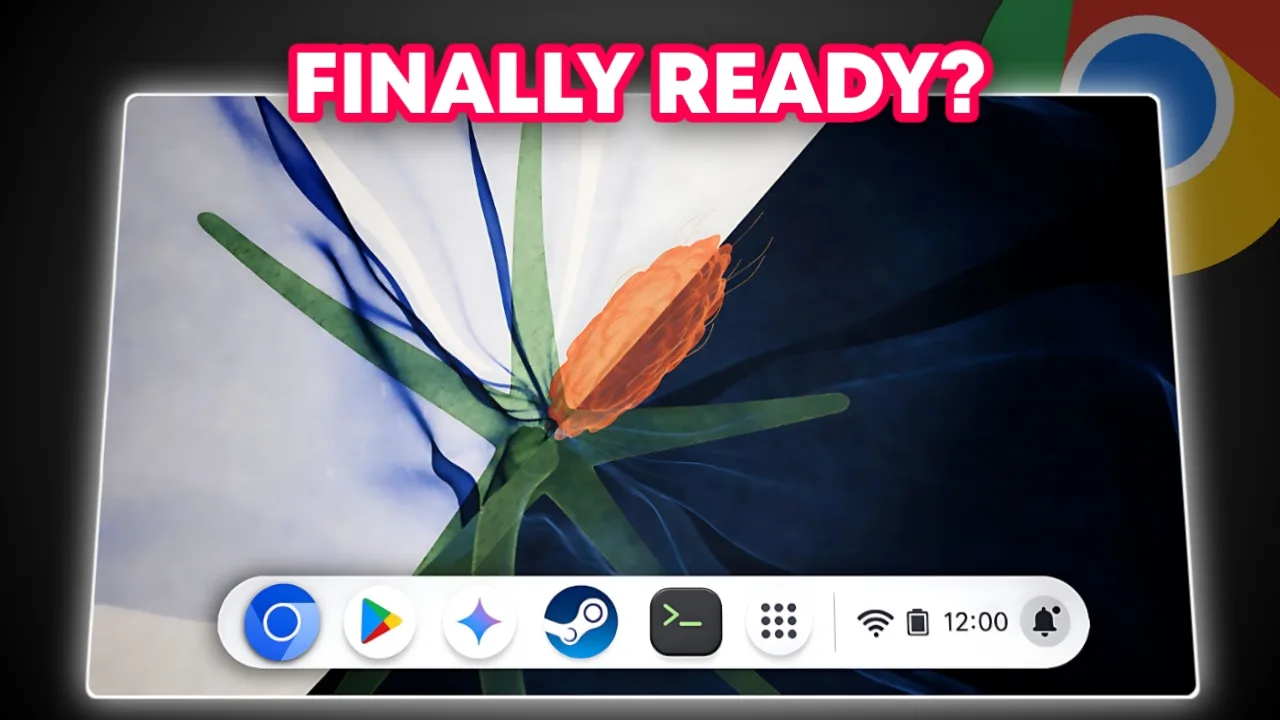
A Fresh Look: Radiant Anatomy Theme & Wallpaper Enhancements
The moment you boot into FydeOS v22, the visual feels refreshing.
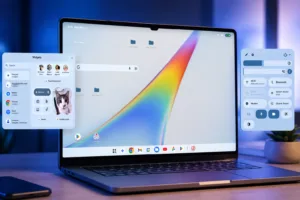
The new Radiant Anatomy wallpaper theme feels intentional and well-crafted — especially in dark mode. Other wallpapers resemble the vibrant aesthetic found in ChromeOS, making the system feel modern and lively.

Smarter Global Search That Actually Saves Time
Search in FydeOS was already improved in previous updates, but now it feels more complete.
You can globally search across:
- Apps
- Files
- Settings
- System features
The ability to filter results by category makes it faster to find exactly what you need. Whether you’re searching for a document, installed app, or system toggle, everything feels centralized and intuitive.

Quick Share Is Finally Here — And It’s a Game Changer
One of the most requested features has finally arrived: Quick Share.
If you’re signed into your devices on the same network, file sharing is now incredibly easy. No more third-party tools. No more complicated setups.

You can:
- Share files instantly between devices
- Adjust your device name
- Control visibility settings
- Manage network-based sharing
What makes this special is how seamless it feels. It’s fast, reliable, and genuinely useful in everyday workflows.
For many users, this alone makes the update worth installing.
FydeOS AI: Built-In Assistants Right Inside Your System
FydeOS v21 already embraced AI in a big way.
When you sign in with a FydeOS account, you unlock the FydeOS AI app from the launcher. Inside, you’ll find:
- A default AI chatbot for everyday questions
- Hundreds of built-in AI assistants for different tasks
- File and image attachment support

But it gets even more interesting. If you have API keys, you can integrate advanced large language models such as:
- LLaMA
- OpenAI models
- DeepSeek
These models can be accessed from a dropdown menu, allowing you to switch between them easily. This turns FydeOS into a powerful AI workstation, not just a lightweight operating system.
Emoji, Media & Drive Attachments While Typing
With the Windows + F shortcut, you can instantly open the emoji panel while typing. Beyond emojis, you can attach:
- Files
- Images
- GIFs
- Google Drive documents

It’s small improvements like these that make daily usage smoother and more enjoyable.
Split-Screen Browser Tabs: True Multitasking at Last
One of the most awaited additions is the browser’s new tab split feature.
Now you can open two browser tabs side by side within the same window. You can resize each panel, swap tab content, and even create custom tab pairs.

For example:
- Watch YouTube in a compact mobile view
- Browse documentation beside it
- Compare two websites
- Research while taking notes
This is productivity done right. Clean, flexible, and highly practical.
Qwant as Default Search Engine: A Privacy-First Move
FydeOS v22 introduces Qwant as the new default search engine in supported regions.
Qwant is known for:
- No ads
- No trackers
- Minimal data collection
- Clean and simple search results

When compared to Google, the difference is striking.
Search for a public figure like MrBeast:
- Qwant shows basic links and social profiles.
- Google provides AI summaries, images, videos, age, and recent posts.
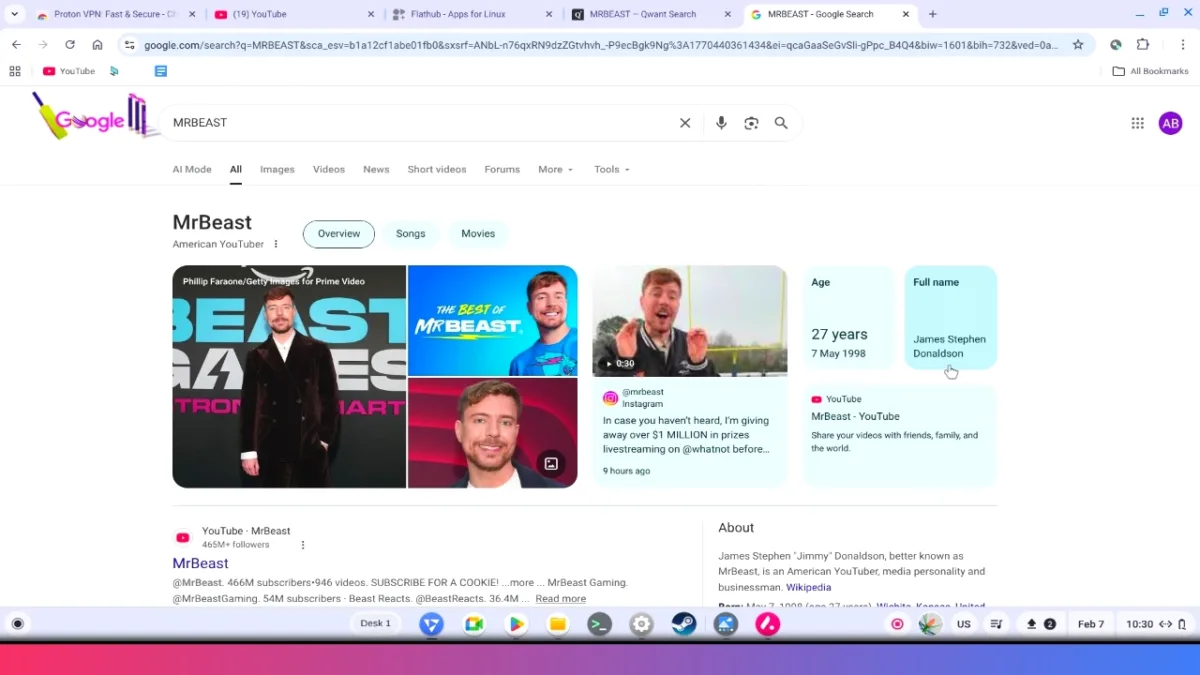
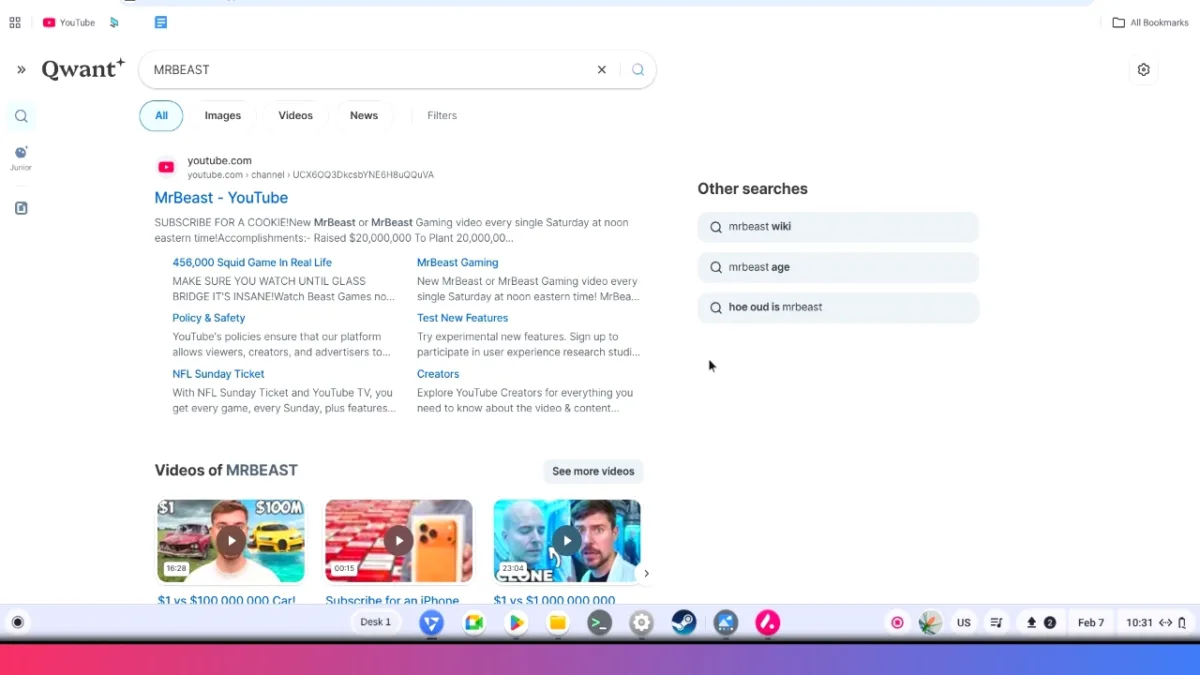
Google’s results are richer and AI-enhanced. Qwant’s are simpler and privacy-focused.
For users who prefer minimal tracking, Qwant is a strong alternative. There’s also Qwant Junior, which helps protect children from harmful content — a thoughtful addition.
However, since availability varies by region, many users may still rely on DuckDuckGo as a widely accessible privacy-focused option.
Steam Support Removed — But Gaming Isn’t Dead
Google dropping Steam support in ChromeOS came as a surprise. Searching Chrome flags won’t show Steam anymore.
But that doesn’t mean you can’t game on FydeOS.
Here’s the workaround:
- Enable Linux Development (Crostini)
- Enable Crostini GPU support
- Install the Flatpak repository
- Install Steam via Flatpak

With GPU support enabled, performance improves significantly for:
- Steam games
- 3D modeling
- Graphics-heavy tasks
So while official support may be gone, Linux keeps the door open for gamers.

How to Install Google Play Store on FydeOS
After installing FydeOS, the first thing you should do — if you want Android apps — is enable Google Play Services.
Step 1: Disable Root File System Verification
- Press Ctrl + Alt + T
- Run the required console commands
- Reboot your system
Step 2: Install GApps
- Open Android subsystem
- Launch FydeOS App Store
- Select GApps
- Add it to your system
- Complete installation
- Reboot again
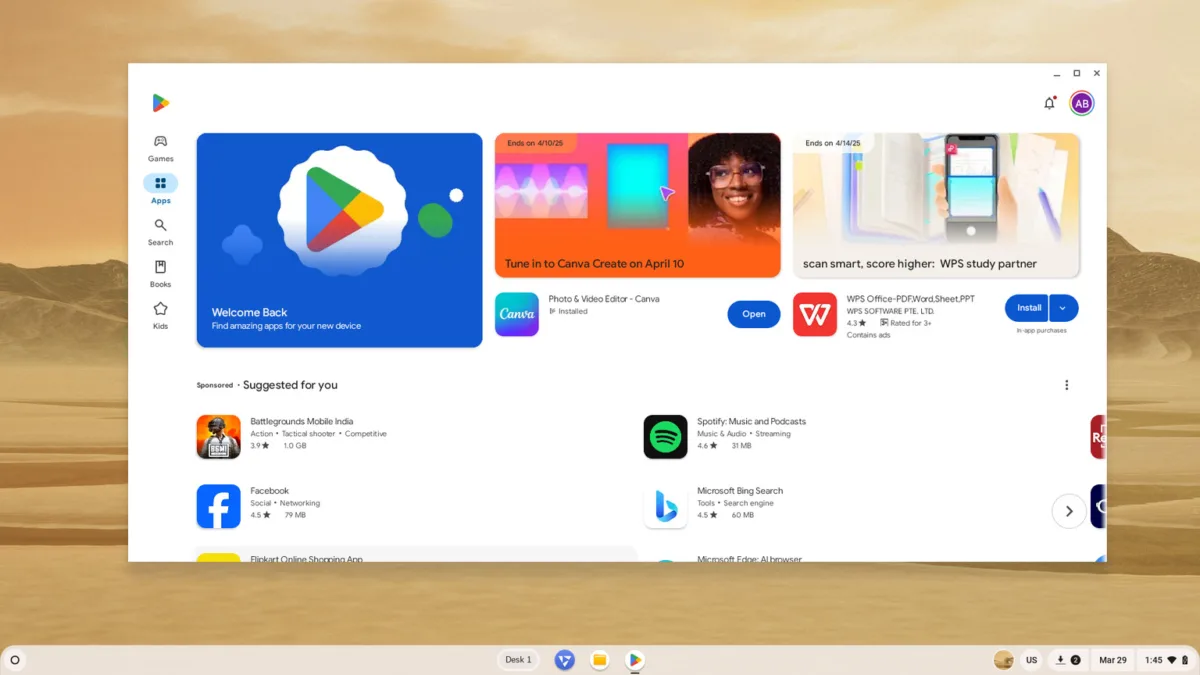
After reboot, the Google Play Store will appear in your launcher and dock. This unlocks thousands of Android apps and significantly enhances functionality.
Is FydeOS Now a Real ChromeOS Alternative?
With version 22, FydeOS feels closer than ever to ChromeOS.
It now includes:
- AI assistants
- Quick Share
- Split-screen browser tabs
- Privacy-focused search
- Linux gaming support with Steam
- Play Store compatibility
Some features like Phone Hub are still missing, but the progress is undeniable.
- UPI on HMD, Nokia Feature Phones Will Stop Working After August 1
- How to Play Brown Dust 2 on Linux Using Heroic Games Launcher
- Google’s Leaked “Aluminium OS” Could Be the Biggest Android Shift in Years
- How to Install & Play Neverness to Everness on Linux Using Steam and Proton
- Before You Reinstall Windows, Try These 10 Built-In Fixes
Final Verdict: FydeOS v22 Is a Major Step Forward
FydeOS v22 update blends privacy, AI innovation, productivity tools, and customization into a clean ChromeOS-style experience. If you’re already using FydeOS, upgrading is a no-brainer.
If you’re exploring ChromeOS alternatives, FydeOS v22 deserves serious consideration.