
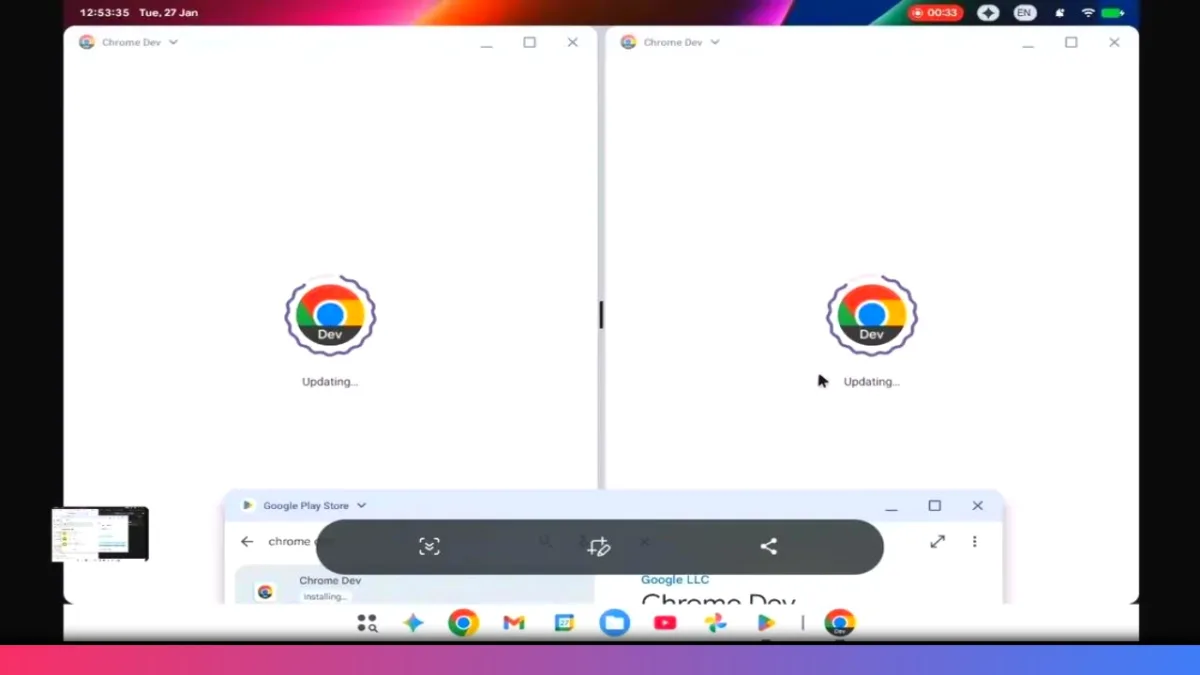
Another day, another major Android leak — and this one is huge. A newly surfaced screen recording from Google’s own bug tracker has given us our first real-world look at Aluminum OS, Google’s rumored Android-based desktop operating system.
What makes this leak especially wild is that it appears to be completely accidental, yet it reveals critical details about development progress, hardware compatibility, and Google’s broader desktop ambitions.
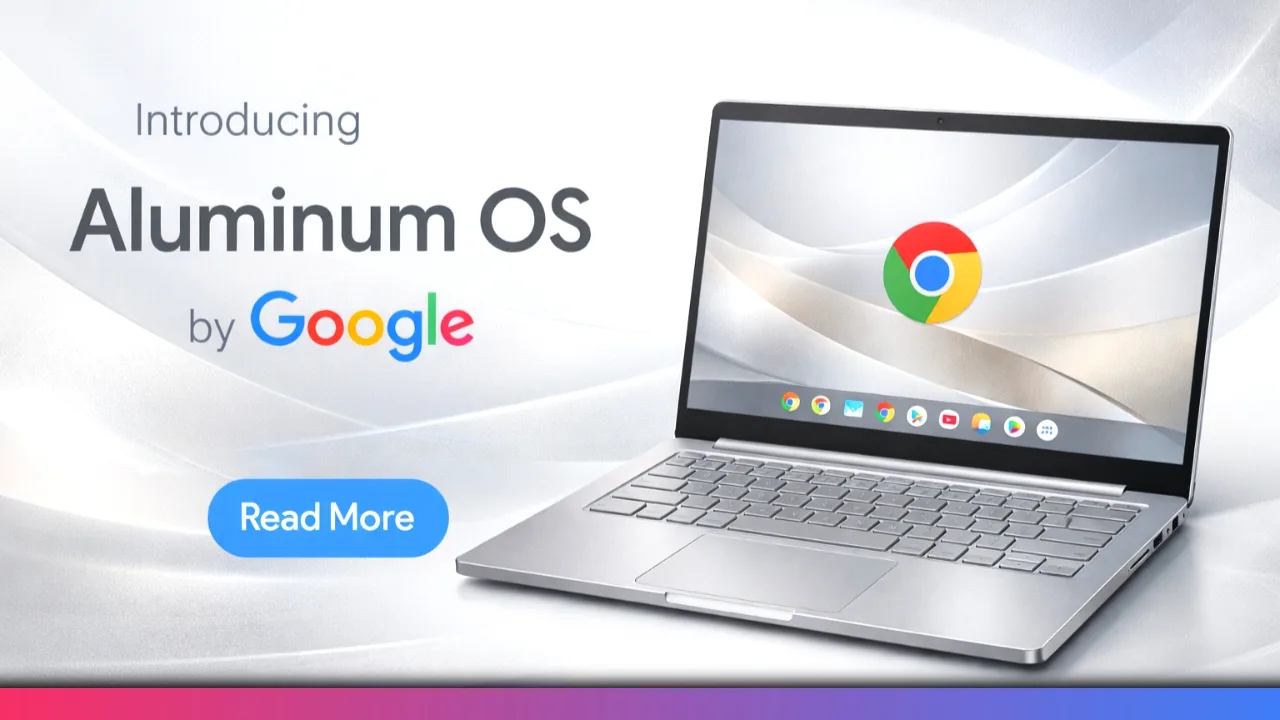
What Is Aluminum OS and Why This Leak Matters
Aluminum OS is widely believed to be Google’s long-term effort to evolve Android into a true desktop-class operating system. Until now, most information has been theoretical or based on desktop-mode experiments inside Android.
This leak changes that.
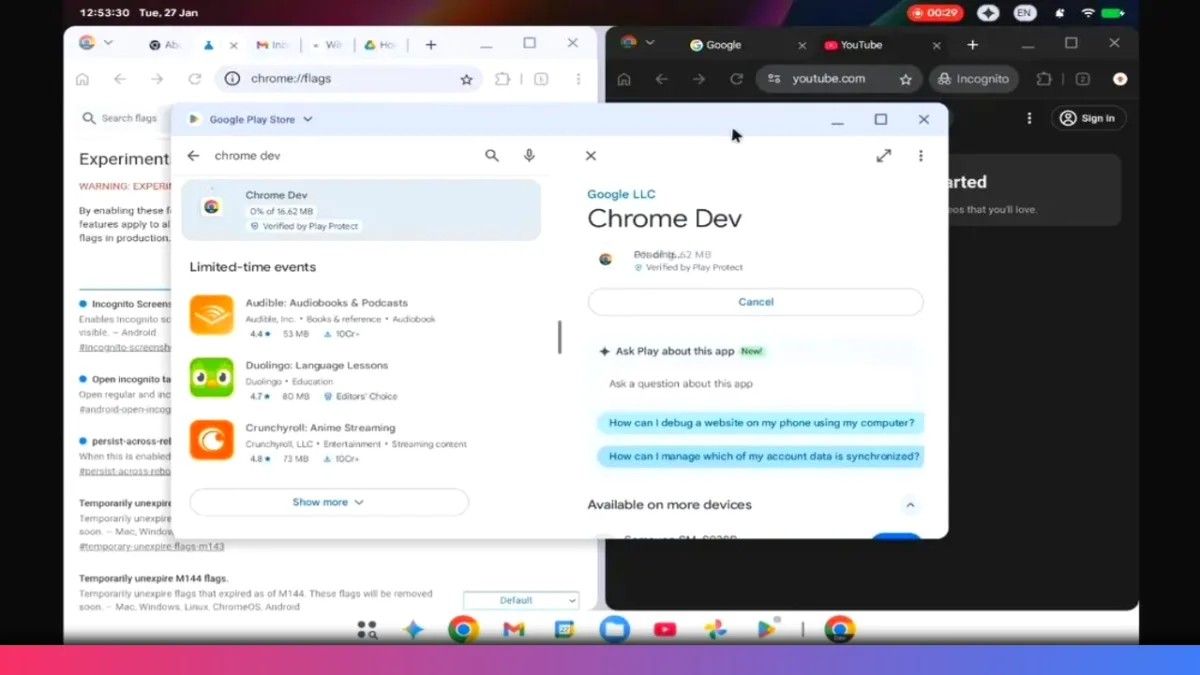
The footage emerged from Google’s issue tracker, a platform used by engineers and partners to report bugs and suggest features. In this case, a developer was troubleshooting a Chrome incognito tab bug, unintentionally exposing a working build of Aluminum OS.
Key Build Details Revealed in the Leak
Even though the screen recording is short, it contains critical technical clues.
Build Number and Compilation Date
- Build number: ZL1A260119.001.a1
- The sequence 260119 strongly suggests a compile date of January 19, 2026
- That means the build is less than two weeks old at the time of discovery
This confirms that Aluminum OS is not a dormant concept — it’s under active development.
Android Version and Codename
- Running on Android 16
- Codename: Baklava
This positions Aluminum OS as a deep evolution of Android, not a separate operating system.
Hardware Used for Testing
- The bug report (now deleted) confirmed testing on an HP Elite Dragonfly 13.5 Chromebook
- Powered by a 12th-gen Intel Core processor (2021 hardware)
Why this matters:
If Aluminum OS runs smoothly on older, third-party x86 hardware, it suggests strong performance scalability and a wider compatibility range.
Does Aluminum OS Support x86 and Pro Apps?
This is where things get interesting.
Because the test device uses an Intel x86 processor, it raises an important question:
Is Google optimizing Aluminum OS for x86 architecture?
If so, that opens the door to:
- Desktop-class creative software
- Professional productivity workflows
- Stronger competition with traditional PCs
⚠️ This remains speculation, but it’s a meaningful signal — and one that could elevate Aluminum OS far beyond current Android desktop modes.
Aluminum OS vs Android 16 Desktop Mode (QPR3)
Comparing Aluminum OS to Android 16 QPR3 desktop mode reveals subtle but important refinements.
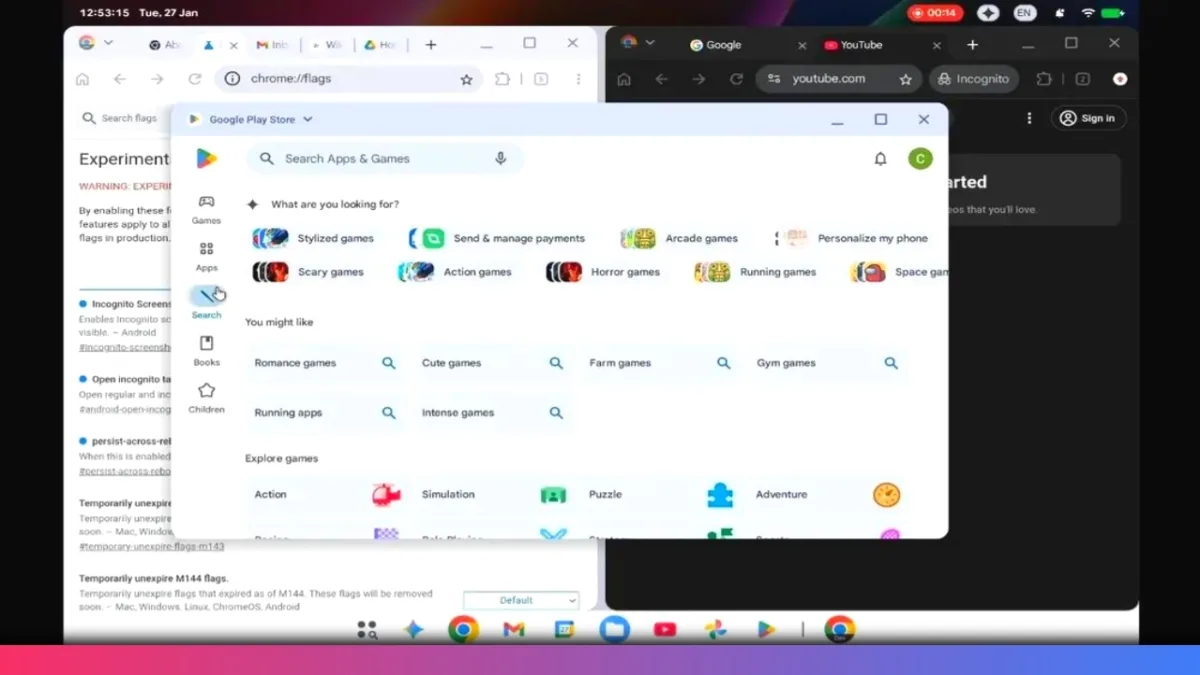
Status Bar Improvements
- Taller and cleaner layout
- Full time and date on the left
- Wi-Fi, battery, Gemini shortcut, and screen recording indicator on the right
This layout feels far more desktop-oriented than existing Android implementations.
Cursor Changes
- The mouse cursor now has a tail
- Small change, big impact
It makes the interface feel less mobile-first and more like a traditional desktop OS.
Chrome Extensions on Android? Yes, Really
One of the biggest reveals in the footage is inside the Chrome browser.
In the top-right corner:
- A puzzle-piece icon appears
- This strongly suggests Chrome extensions are supported
While extensions already exist on Chromebooks, they’ve never been supported on Android devices.
If confirmed, this would be a non-negotiable milestone for any serious desktop operating system.
Why the UI Still Feels Too Early
Despite the progress, there’s reason to be cautious.
Right now:
- The UI looks nearly identical to the Pixel Tablet’s desktop mode
- Aside from the status bar, there’s little differentiation
- No clear desktop-first visual identity yet
When compared to mature platforms like macOS or Windows, Aluminum OS still lacks:
- Desktop-native polish
- A strong design vision
- A unique interpretation of Material 3 Expressive for large screens
Function Over Form — Google’s Likely Strategy
If we’re being optimistic, Google appears to be prioritizing:
- Core system stability
- App compatibility
- Battery efficiency
- Support for older Chromebook hardware
From a practical standpoint, that’s a smart foundation-first approach.
Final Thoughts on the Aluminum OS Leak
This leak is:
- Accidental
- Very “Google”
- Extremely revealing
It confirms that:
- Aluminum OS is real
- Development is active and advancing
- Desktop Android is no longer theoretical
However, the road ahead is steep. To succeed, Aluminum OS must deliver:
- Desktop-class refinement
- Strong app support
- A compelling identity from day one
A preview at Google I/O would make perfect sense — and could define Google’s desktop future.
What Do You Think?
Are you excited about Aluminum OS?
Do you think Google needs a full UI overhaul?
Or should they keep things simple like current Chromebooks?
Aluminum OS is Google’s rumored Android-based desktop operating system designed to bring full desktop functionality to Android devices and laptops.
Google hasn’t confirmed this, but Aluminum OS may eventually unify Android and ChromeOS into a single platform.
A leaked build strongly suggests Chrome extensions are supported, a major step toward desktop-class usability.
There is no official release date yet, but development activity suggests a preview could appear at Google I/O.