
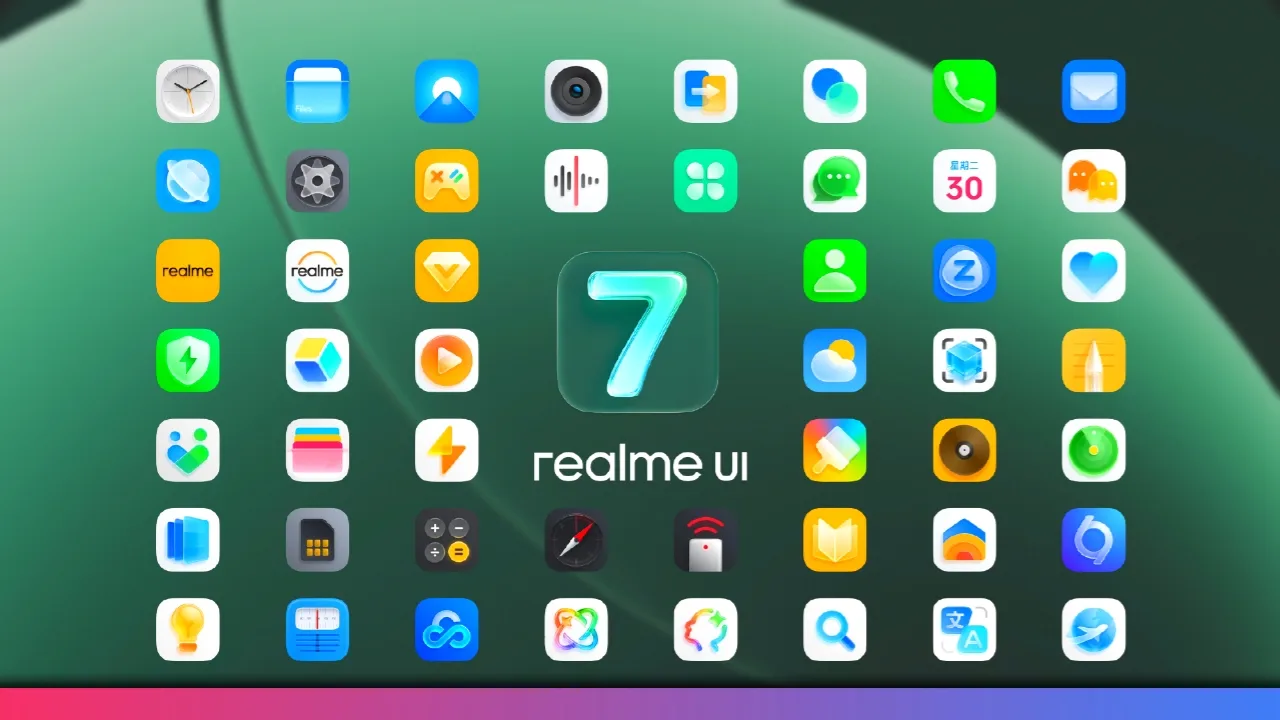
Realme UI 7.0 Android 16 Update Overview
You can now get Realme UI 7.0 Android 16 base update on more devices starting November 2025. Many models like Realme GT7 Pro, GT7T, Dream Edition, P3 5G, Narzo series, and more receive 7.0 and 6.0 updates this month. The rollout begins in batches, usually from the second week, and covers a long list, so keep an eye on your device status.
Device Rollout List and Timeline
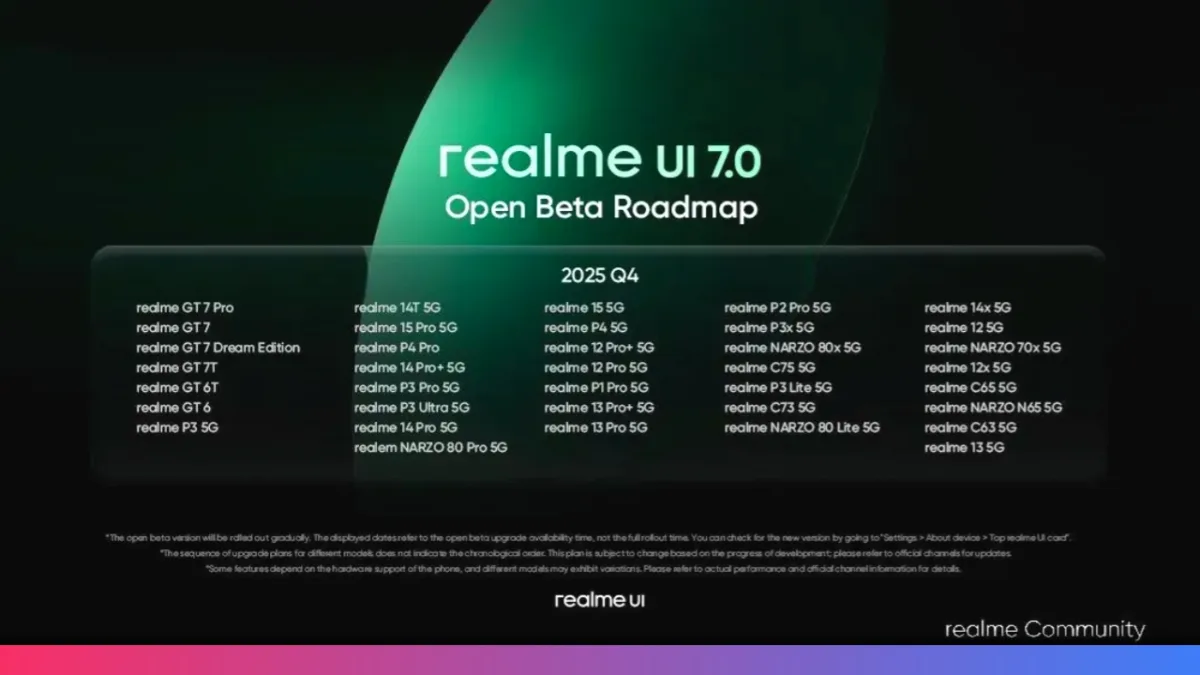
We can quickly check the update list and timeline. Realme UI 7.0 or 6.0 starts rolling out for GT7 Pro, GT7, Dream Edition, GT7T, GT6T, GT6, P3 5G, 14DT 5G, 15 Pro, P4 Pro, 14 Pro Plus, P3 Pro, P3 Ultra, Narzo 80 Pro, and more. Expect updates by mid- or late November for eligible phones. Devices like 14x, Narzo 7x, 12X 5G, P4, and 12 Pro Plus are next in line for the update before the month-end.
- Realme GT7 Pro
- Realme GT7
- Realme GT7 Dream Edition
- Realme GT7T
- Realme GT6T
- Realme GT6
- Realme P3 5G
- Realme 14DT 5G
- Realme 15 Pro
- Realme P4 Pro
- Realme 14 Pro Plus
- Realme P3 Pro
- Realme P3 Ultra
- Realme 14 Pro
- Realme Narzo 80 Pro
- Realme 14x
- Realme 12
- Realme Narzo 7x
- Realme 12X 5G
- Realme 15
- Realme P4
- Realme 12 Pro Plus
- Realme 12 Pro
- Realme P1 Pro
- Realme 13 Pro+
- Realme Narzo 70T
- Realme P1
- Realme 15T
- Realme 15X
- Realme P2 Pro
- Realme P3X
- Realme Narzo 80X
- Realme C75
- Realme P3 Lite
- Realme C73
- Realme Narzo 80 Lite
- Realme C65
- Realme Narzo N65
- Realme C63
- Realme 13
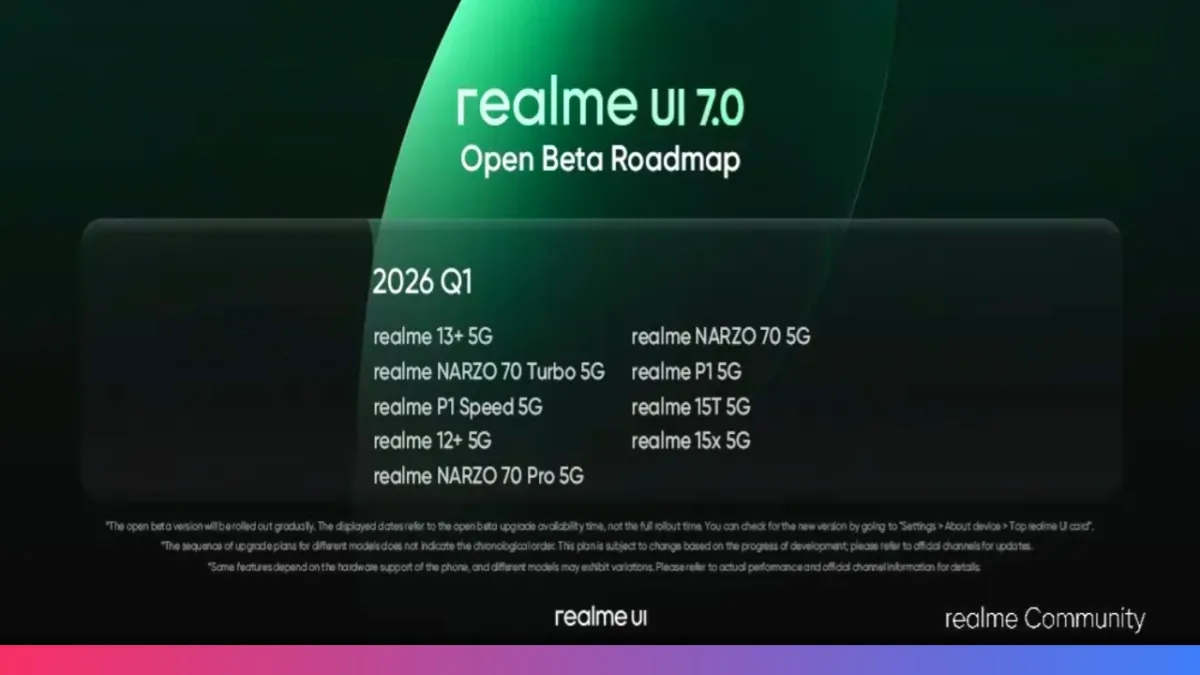
Updates will roll out batch-wise starting in the second week of November 2025, with most devices receiving updates by the third week or month-end.
Step-by-Step Guide to Join the Beta Program
You can easily join the Realme UI 7.0 Beta Program if you own a Realme GT 6 or GT 6T with an Indian device. Start by ensuring your phone runs the required official base version (Realme GT 6: RMX3851_15.0.0.1200, Realme GT 6T: RMX3853_15.0.0.1200) and has at least 15GB free storage. It’s best to back up your data before upgrading to avoid loss. Remember, your device must not be rooted or have an unlocked BootLoader.
Once you join, upgrade to the beta version and test it thoroughly. Use the Feedback Toolbox (*#800#) to report bugs or missing features.
Apply via Settings > System & Updates > Software Update > (top-right menu) Beta program. Slots are limited to 2,000 for each model, and the rollout starts on November 7th in batches after approval.
In case you face issues, you can rollback using the official rollback packages available online, but note this will erase all data.
Steps to Apply for Realme UI 7 Beta:
- Verify you have a Realme GT 6 or GT 6T (Indian variant).
- Check your device version (Settings > About device) matches the required version.
- Ensure your phone is not rooted and the BootLoader is locked.
- Backup your data via Settings > System & Updates > Backup & Reset > Local Backup.
- Make sure at least 15GB of free storage is available.
- Go to Settings > System & Updates > Software Update > ⋮ menu > Beta program.
- Fill out the beta program form and submit.
- Wait for official approval and rollout notification.
- Upgrade to the beta version when available.
- Use *#800# Feedback Toolbox to report bugs.
- Avoid sharing beta packages externally to keep your access.
- If needed, rollback using the official package with data backup.
- OnePlus OxygenOS 16 February Update Rollout: Full Device List
- This Tiny Home Server Replaced Netflix and Google Photos for Me (Here’s How)
- Pokémon Pokopia Launch Date, Gameplay, and Everything We Know
- Origin OS 6 Android 16 Update Timeline: iQOO Devices Confirmed
- Google Aluminum OS Leak: First Real-World Look at Android’s Desktop Future
New Features in Realme UI 7.0
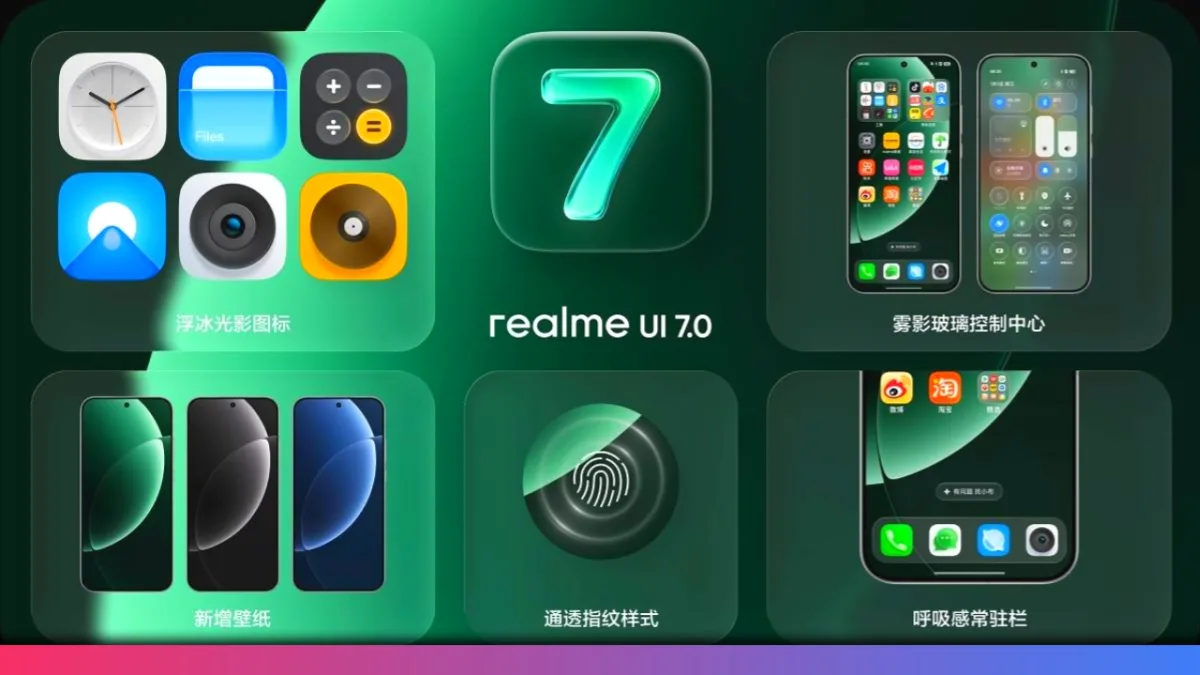
We can enjoy eye-catching UI changes like Ice Cube Icons, Misty Glass Control Center, and Breathing Dock, all making the interface fresh, lighter, and visually modern. You get large text options, panoramic Always-On Display, AI-powered notifications, framing suggestions for photos, and wallpaper/video themes. Security, privacy, and device intelligence also get big boosts with smoother animations and new interactive widgets.